WikiMonitor

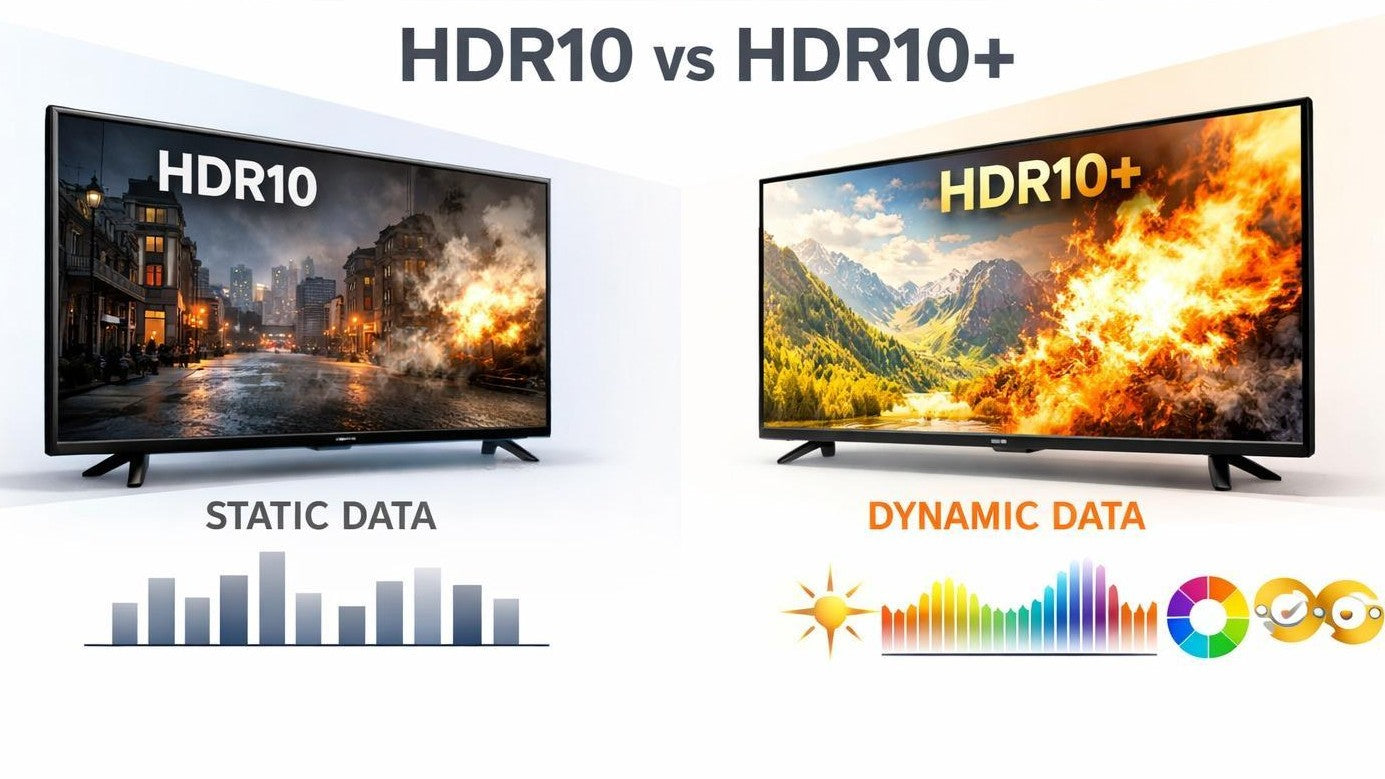
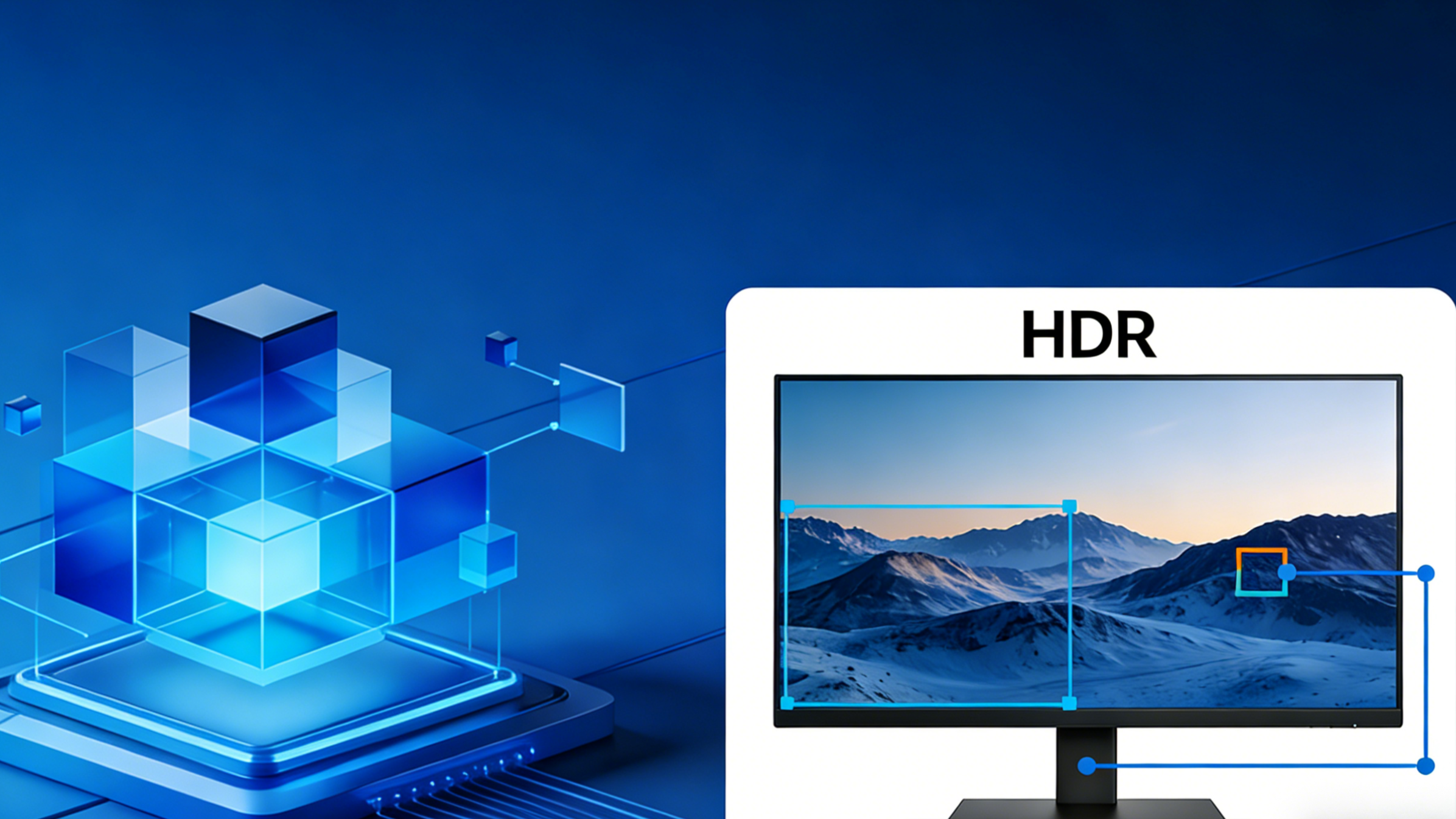
What Is Tone Mapping? Why HDR Look Different on Every Monitor
What Is Tone Mapping? Why HDR Look Different on Every Monitor

HDR visuals are meant to make image frames appear more realistic. However, there are times when the exact same HDR content looks completely different depending on the visual system you used. Some displays might appear with incredibly bright visuals, while...

Read moreabout What Is Tone Mapping? Why HDR Look Different on Every Monitor

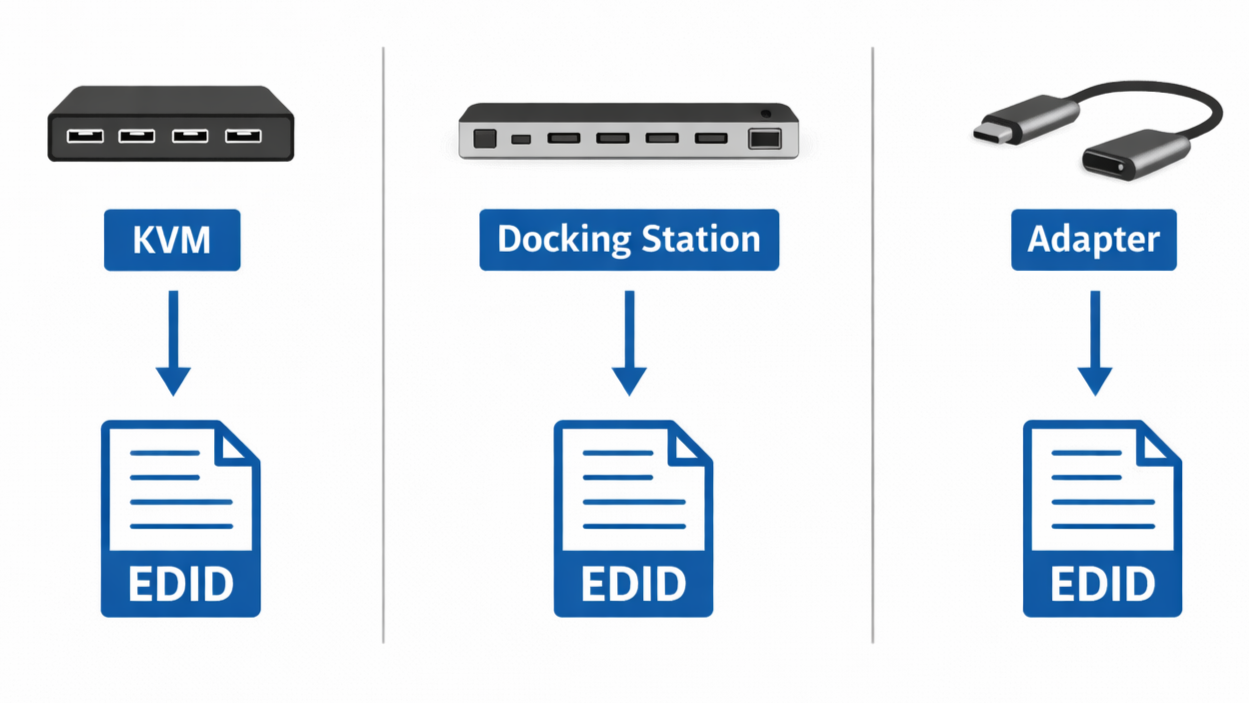
KVM, Docking Stations, and Adapters Affect EDID Data

How KVM, Docking Stations, and Adapters Affect EDID Data?
The evolution of modern display setups has reached a level where complex connections exist between a monitor and a computer. These days, setups utilize docking stations, USB-C, adapters, and hardware switches to simplify cable management. Even though these tools are...

Read moreabout How KVM, Docking Stations, and Adapters Affect EDID Data?

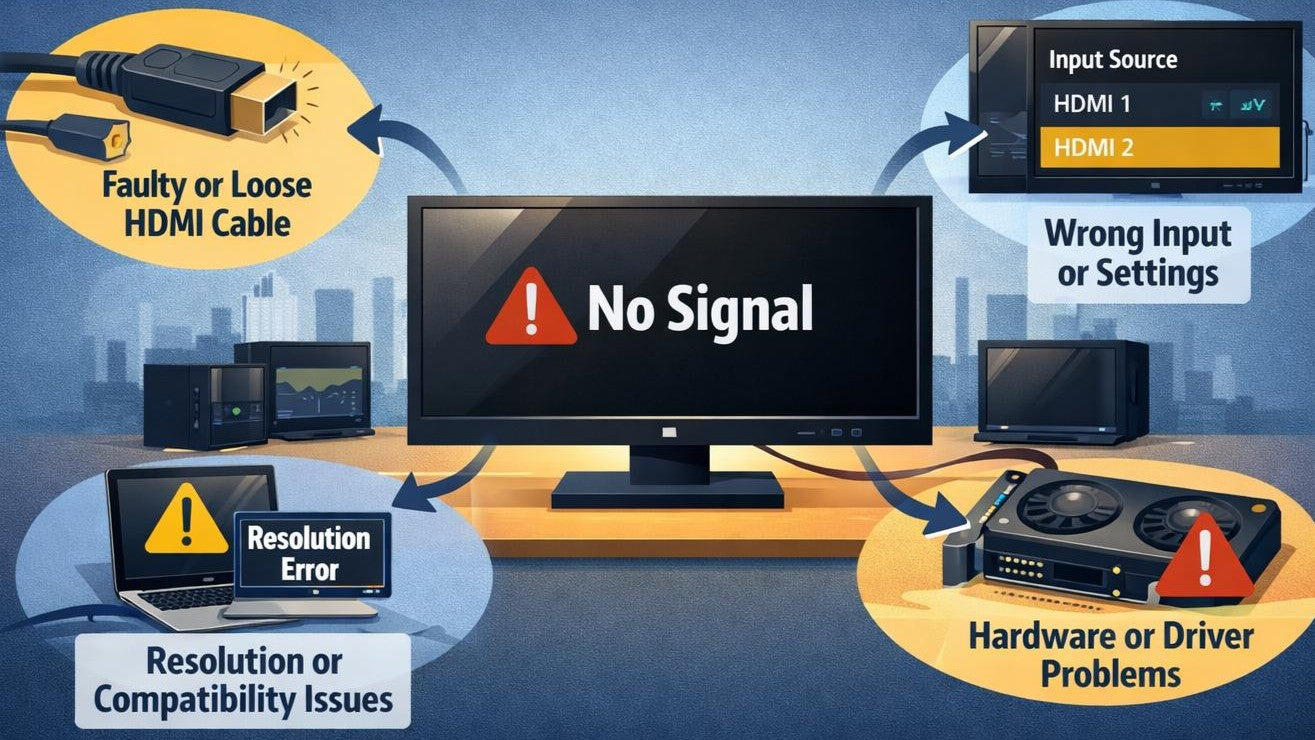
How EDID Handshake Works Between Source and Display?
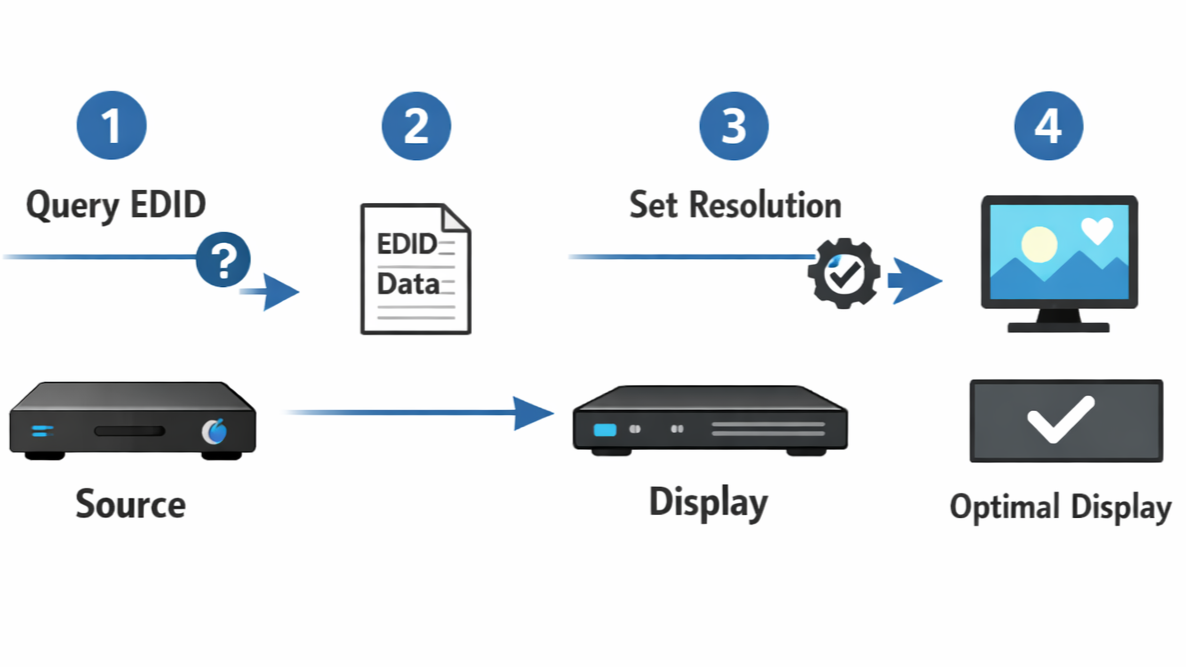
How EDID Handshake Works Between Source and Display?

Sometimes, visual systems are prone to display issues even before a signal is received. In this case, the problem arises from a process known as EDID handshake... a silent dialogue between the source device and visual system. If negotiation between...

Read moreabout How EDID Handshake Works Between Source and Display?

4K 144Hz Sometimes Requires DSC or Chroma Subsampling

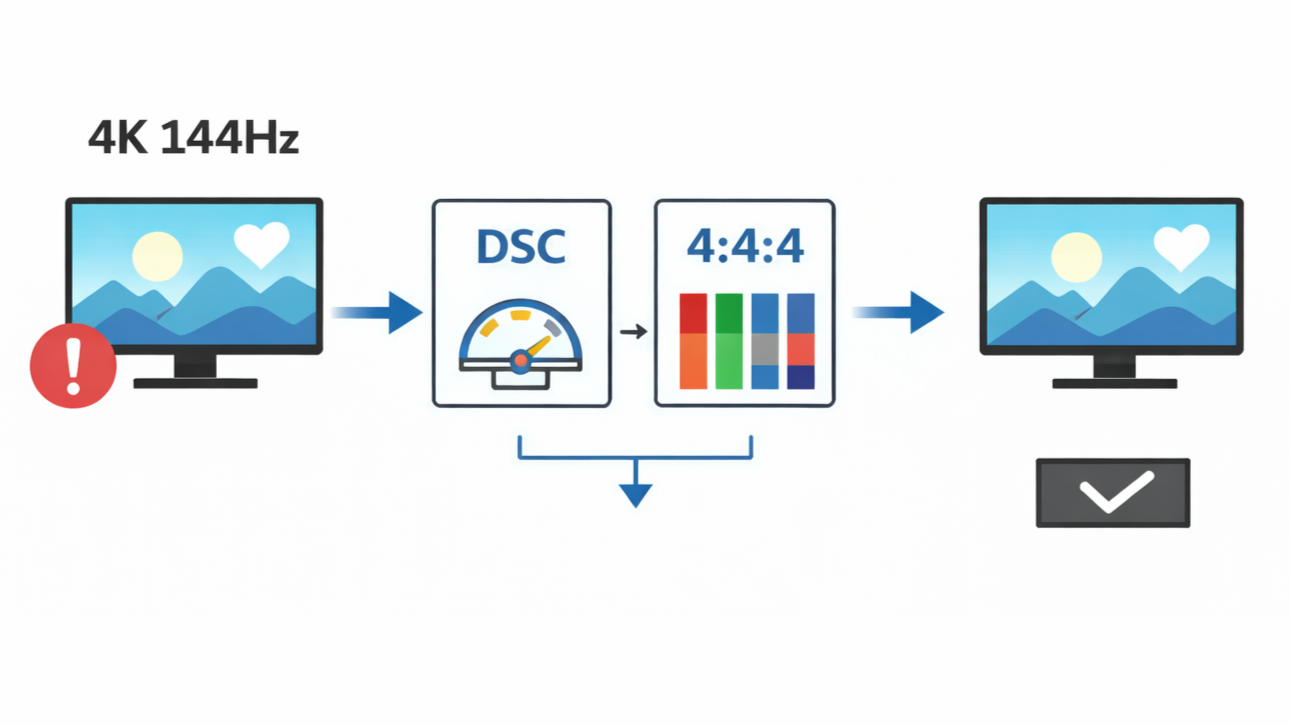
Why 4K 144Hz Sometimes Requires DSC or Chroma Subsampling?
When people purchase a display with a “4K@144Hz” label on the box, they expect the best of both worlds. Technically, they end up with high-quality imagery and an amazing visual experience. However, these people don’t realize that getting the best...

Read moreabout Why 4K 144Hz Sometimes Requires DSC or Chroma Subsampling?

Some USB-C Ports Support Video Output While Others Don’t

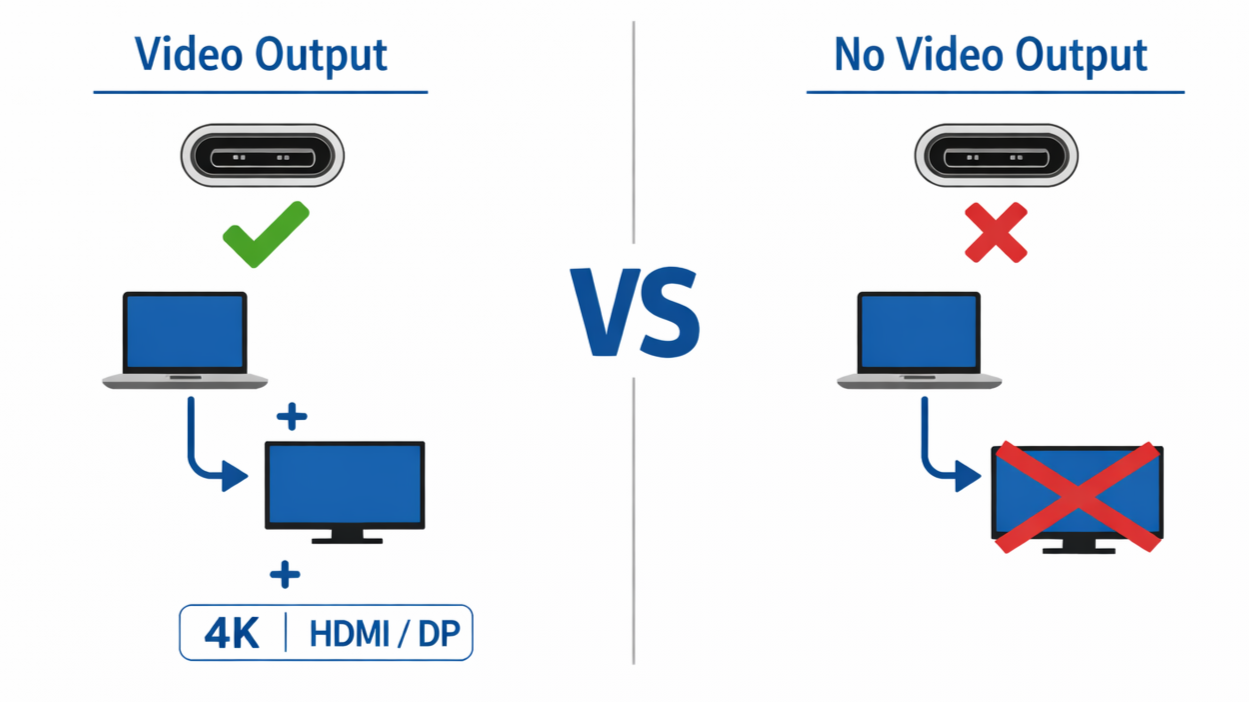
Why Some USB-C Ports Support Video Output While Others Don’t?
USB-C port has offered a universal solution to digital display and transfer, yet they produce inconsistent results in real-world use. While most USB-C ports appear identical in design, they usually function in radically different ways. Sometimes, two identical USB-C ports...

Read moreabout Why Some USB-C Ports Support Video Output While Others Don’t?

How DisplayPort Alt Mode Actually Works Over USB-C?
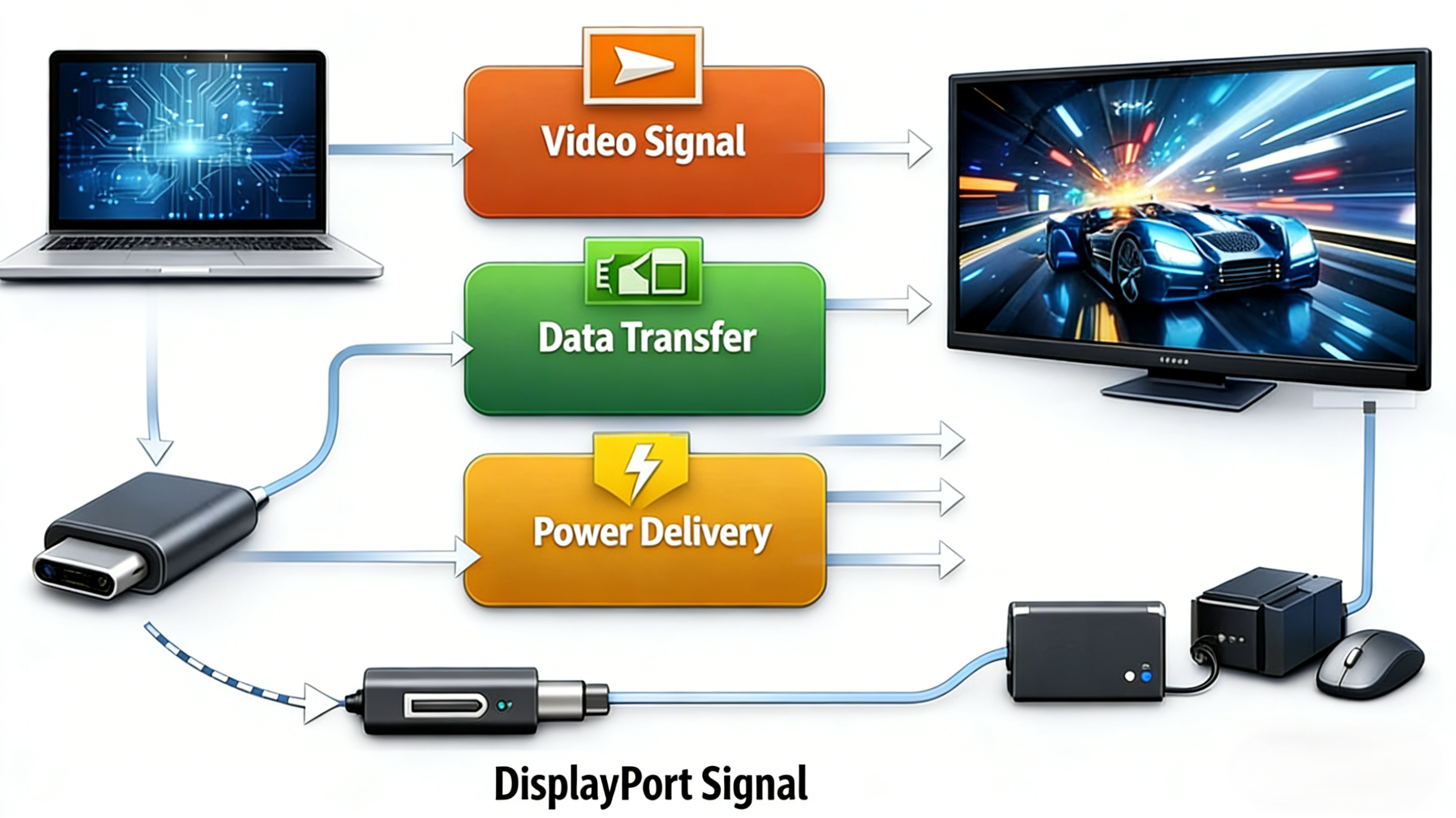
How DisplayPort Alt Mode Actually Works Over USB-C?

USB-C has become one of the most widely used connector standards in modern visual display. While they often appear deceptively simple and easy-to-use, this cable is quite complicated. The connector is designed to hold a complex system of signal routing...

Read moreabout How DisplayPort Alt Mode Actually Works Over USB-C?

RGB And YCbCr

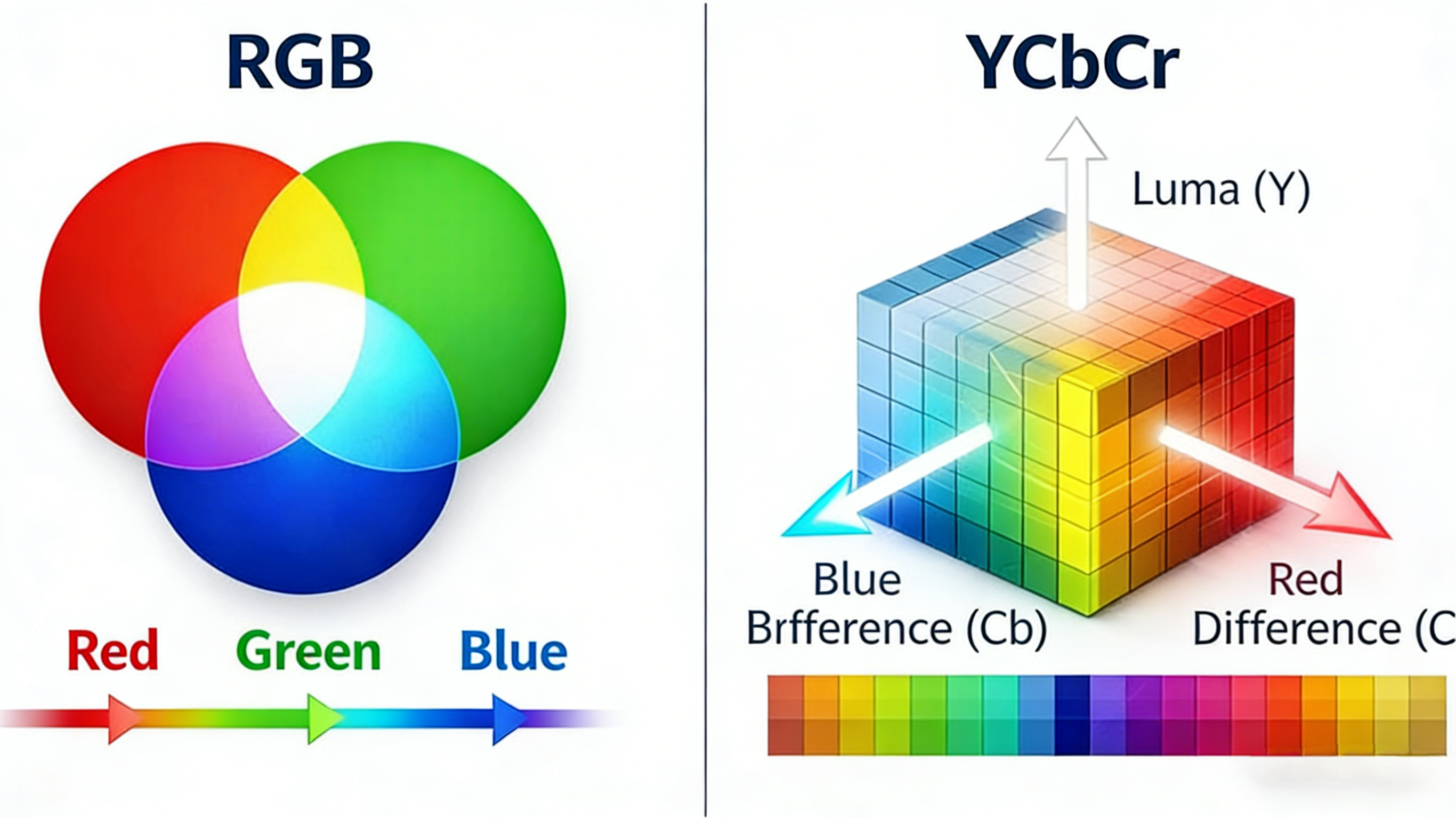
What Is The Difference Between RGB And YCbCr, And Full Vs Limited

Sometimes, the same monitor can display inconsistent color accuracy, which often leads to blurred or less visible visuals. This is usually a result of mismatched color format and range settings in the system. Whenever image frames originating from signal range...

Read moreabout What Is The Difference Between RGB And YCbCr, And Full Vs Limited

DisplayPort EDID

What Is DisplayPort EDID And How Does It Affect Display Output

Display detection is one of the important processes in modern display systems. Beyond the recognition of a connected monitor, this process gives the computer system detailed information of the display’s capabilities. Even though it goes unnoticed, this technology is a...

Read moreabout What Is DisplayPort EDID And How Does It Affect Display Output

DSC

What Is Display Stream Compression (DSC) and Why Is It Used?

Since the introduction of HD display, there is an increase in demand for higher resolution and faster refresh rates. Viewers now prefer 4K and 5K displays with good highlights, running on a HDR-capable visual system. However, all these visual qualities...

Read moreabout What Is Display Stream Compression (DSC) and Why Is It Used?