

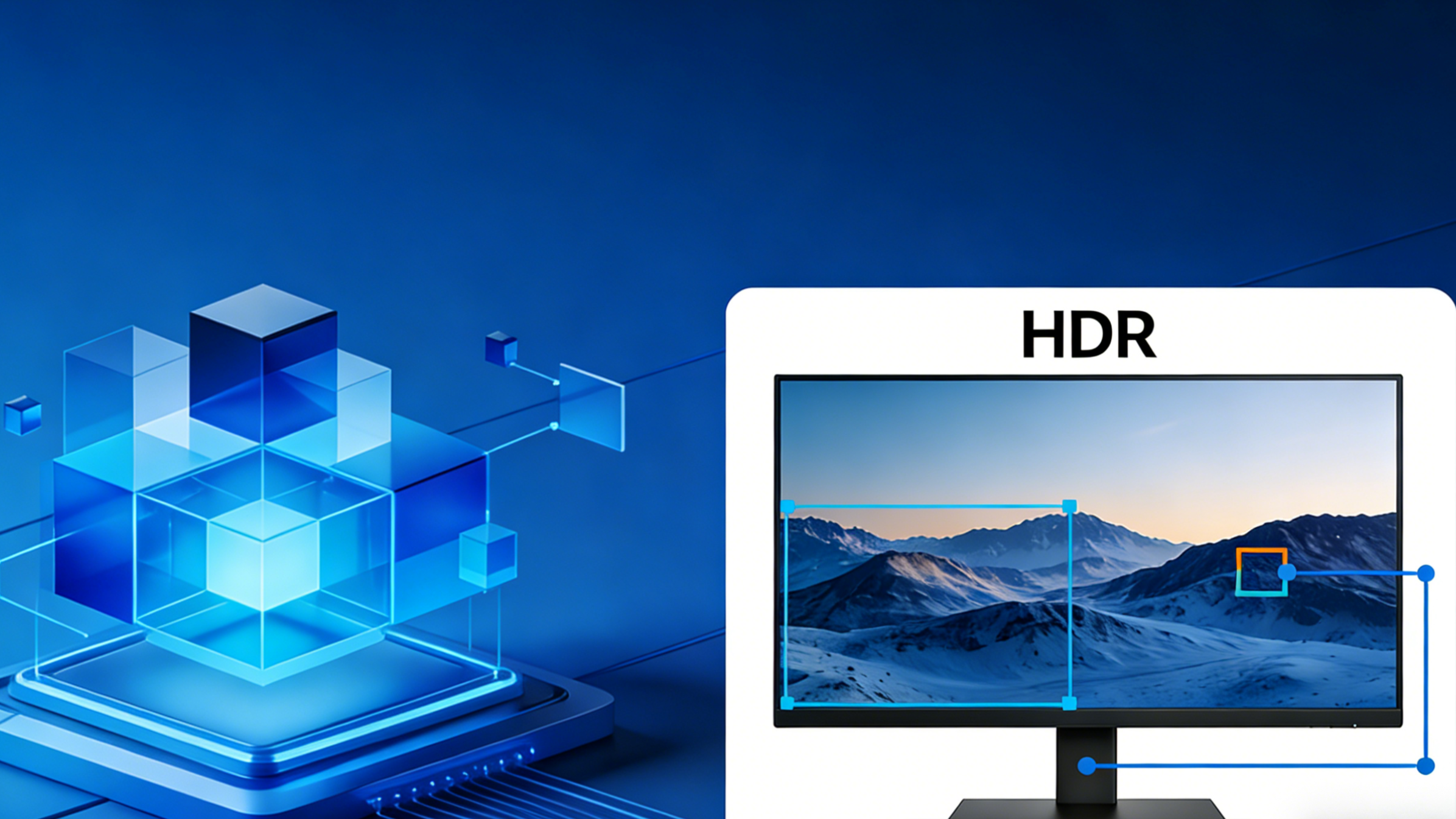
HDR visuals are meant to make image frames appear more realistic. However, there are times when the exact same HDR content looks completely different depending on the visual system you used. Some displays might appear with incredibly bright visuals, while others may look bleak and washed out or less detailed. This happens because every visual system is designed with its own limits for HDR qualities. The peak brightness, color behavior, contrast, and all other features vary between devices. Hence, the displays used will always adjust the HDR image frames to fit its own hardware capabilities. This process is generally known as tone mapping. Tone mapping is the mechanism that visual systems use to transform HDR content to output levels the monitor can display. In this article, we’ll explore how tone mapping works and how the internal hardware plays a major role in the output.
Why the Same HDR Content Looks Different on Different Monitors?
It’s easy to get confused when the same movie looks different depending on the display. In some cases, the displays involved might have the same HDR features. Unlike SDR, HDR contents are more complicated with a wide range of brightness levels and color behaviors.
HDR Content Is Created for Much Brighter Displays
One of the reasons HDR content varies in different displays is because most content is created for ultra-high levels of brightness. During the final stage of video production, producers grade contents using top-level visual systems that can reach as high as 1000 nits of brightness.
However, not many monitors can reach that level of brightness. In fact, a large number of modern monitors can only reach 400 to 600 nits. Unfortunately, some of them cannot sustain that level of brightness.
Meanwhile, monitors with this brightness limitation cannot display HDR content as it was produced. Hence, they resort to compressing the brightness levels to match the monitor’s hardware capabilities. This compression process is handled through tone mapping. The performance and compressibility levels affect how the HDR content is displayed on screen.
Every Monitor Applies Its Own Tone Mapping
Apart from the brightness limitation, HDR content looks different because every visual system is designed with its own tone-mapping technique. Some monitor manufacturers tune their tone mapping to favor certain HDR features over others.
In most cases, manufacturers prioritize brighter highlights, favoring certain visual elements like reflections, explosions, and other prominent display characters. However, some manufacturers try to preserve shadow detail, prioritizing bit depth and darker parts of the image frame. This is yet another reason why the same HDR content has different performance depending on the visual system used.

The Core Idea Behind Tone Mapping
At its core, tone mapping converts high dynamic range content into the brightness range a display can actually produce. Since HDR content is usually produced with high-level of nit brightness, visual systems have to remap and adjust certain features for the sake of compatibility. Most importantly, this must be precisely done without losing important visual details.
Without tone mapping, HDR content would either;
- clip highlights, or
- appear too dark.
When highlights are clipped, the bright areas would appear with flat white regions, having no detail. It even gets worse when the display reduces the overall brightness till the image frame appears too dark and almost invisible to note highlights and shadows. On the contrary, tone mapping finds a way to redistribute the brightness across the pixels so that the important visual elements are intact. This process allows proper translation to monitors, irrespective of their brightness level.
Highlight Compression and Shadow Preservation
One of the main functions of tone mapping is the process of balancing certain characters for clear visual details. To achieve a well-distributed brightness, tone mapping adjusts;
- midtones
- dark regions, and
- peak highlights.
By balancing these visual elements, monitors with brightness limitations can display HDR content in a way that looks natural and detailed.
Why HDR400 and HDR1000 Are Different?
Not all displays with the HDR support tag are designed with the same hardware capabilities. So it is expected that they vary in terms of performance. One of the most notable differences between monitors is their HDR certification levels, which determines their performance standards.
Among the most commonly used HDR categories are HDR400 and HDR1000 displays. The label is a reflection of their differences in key visual elements including peak brightness, bit depth, and color behavior.
Peak Brightness Limits
Peak brightness is the most important HDR feature when considering overall visual details. As it implies, HDR400 monitors have the ability to attain a brightness level of about 400 nits. This type of monitor can easily limit the highlights of HDR content.
In contrast, HDR1000 monitors can reach a peak brightness of about 1000 nits. This specification makes the output closer to the content produced after mastering. In other words, HDR1000 can show more HDR details naturally without the need for compression via tone mapping.
Local Dimming And Contrast
In visual systems, brightness is not the only factor that determines the visibility of HDR content on a display. Another element is how well the visual systems can display bright and dark areas without getting mixed up or washed up. This is where local dimming comes into play.
Most HDR1000 monitors are usually equipped with local dimming technology that allows the display to adjust the brightness of certain parts of the pixel. This makes it easy for the highlights to appear clearer during display.

Image credit: BenQ
Other Factors That Affect HDR Appearance
Beyond brightness and tone mapping, there are many other factors that play a massive role in how HDR contents are displayed. Color behavior is also as important for realistic visual output.
Color Gamut And Color Volume
Color gamut accounts for the spectrum of colors that can be reproduced. This is why monitors with a wider range of color gamut end up with a good image frame. Moreover, it makes the content appear closer to the originally produced video.
Furthermore, color volume determines how colors can be maintained irrespective of the brightness level. When a visual system is limited, it may end up with washed up images while struggling to hold up with color intensity.

Static vs Dynamic HDR Metadata
HDR metadata is also an underrated part of how HDR contents are displayed. It influences visual details by providing instructions for the visual system to grasp how bright a particular scene/ image frame is. The instruction may vary especially in cases where the brightness level of some scenes become dynamic.
Here are some factors of HDR metadata that affects tone mapping;
- Different HDR formats, such as HDR10, HDR10+, and Dolby Vision, end up with different outputs because they handle brightness metadata differently.
- Static metadata only requires a single set of instructions and tone mapping for the entire part of the content.
- Dynamic metadata always adjusts brightness instructions while improving tone mapping for every scene in the content.
Why HDR Sometimes Look Too Dark On Windows?
There are times when a display supports HDR but the content appears dimmer. This is mostly noticed in Windows PCs, and it sometimes boils down to its operating system and software.
Windows often carry out additional tone mapping when displaying HDR content. Due to display settings, the system automatically balances HDR with SDR, thereby eliminating some important visual details.
Why HDR May Look Different On Portable Monitors?
Unlike most visual systems, portable monitors are usually designed with limited features and hardware. These features make it almost impossible to transmit high-quality HDR content.
Generally, portable monitors are produced with lower peak brightness and very limited local dimming technology. Due to these limitations, the monitor cannot display extreme colors and highly detailed pixels. It’s no wonder that they end up using stronger tone mapping for the sake of compatibility.

USB-C Bandwidth And HDR Processing
Connection bandwidth has always been a determiner for the visual behavior of monitors. Since many displays rely on USB-C DisplayPort Alt mode to transmit visuals from the source, the setup may be prone to certain shortcomings involving data bandwidth. Whenever there is bandwidth limitation, a visual system may end up with poor color behavior and very low peak brightness.
How To Get Better HDR Results On Your Monitor?
While monitors are designed with personal display features, there are several ways to maximize HDR content and get the best out of your monitor. Choosing the right configuration settings can produce a whole different result. Here are some ways to influence your HDR content;
- Choose displays with higher HDR certification levels,
- Check brightness capabilities and color gamut support,
- Use correct HDR settings in your operating system,
- Avoid comparing HDR performance across displays with very different hardware.
Conclusion
The performance of a display is beyond its HDR support tag. Tone mapping plays an important role in transmitting HDR content to fit within the visual system’s capability. Since every monitor is equipped with different hardwares, HDR content will always look different depending on their compatibility. Overall, tone mapping helps users understand these variations and how other HDR features are affected by the process.
FAQ
What is tone mapping in HDR displays?
Tone mapping is a technique used by displays with limitations for HDR content.
Why does HDR look different on different monitors?
HDR contents appear different because of the difference in peak brightness limits, color behavior, and method of tone mapping.
Why does HDR sometimes look darker than SDR?
In some portable monitors, the operating system is responsible for applying additional tone mapping. This makes HDR content even darker than SDR content.
Why does HDR400 look weaker than HDR1000?
HDR400 monitors are designed with a peak brightness of 400 nits, while HDR1000 monitors are equipped with a peak brightness of 1000 nits.
Do portable monitors support real HDR?
While most modern portable monitors come with the HDR support tag, hardware limitations often result in stronger tone mapping.
Share:
How KVM, Docking Stations, and Adapters Affect EDID Data?
Static Metadata vs Dynamic Metadata in HDR (HDR10 vs HDR10+)