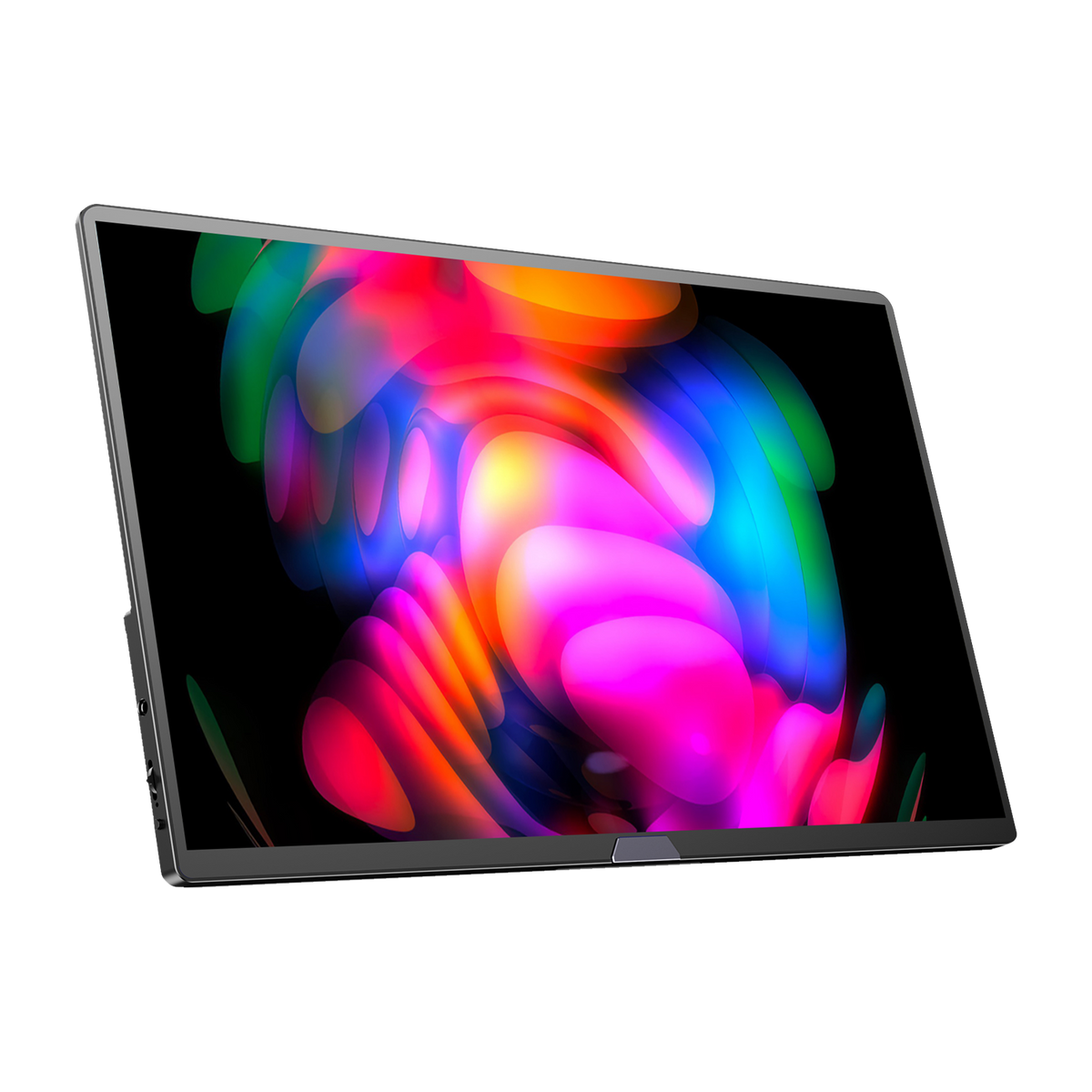
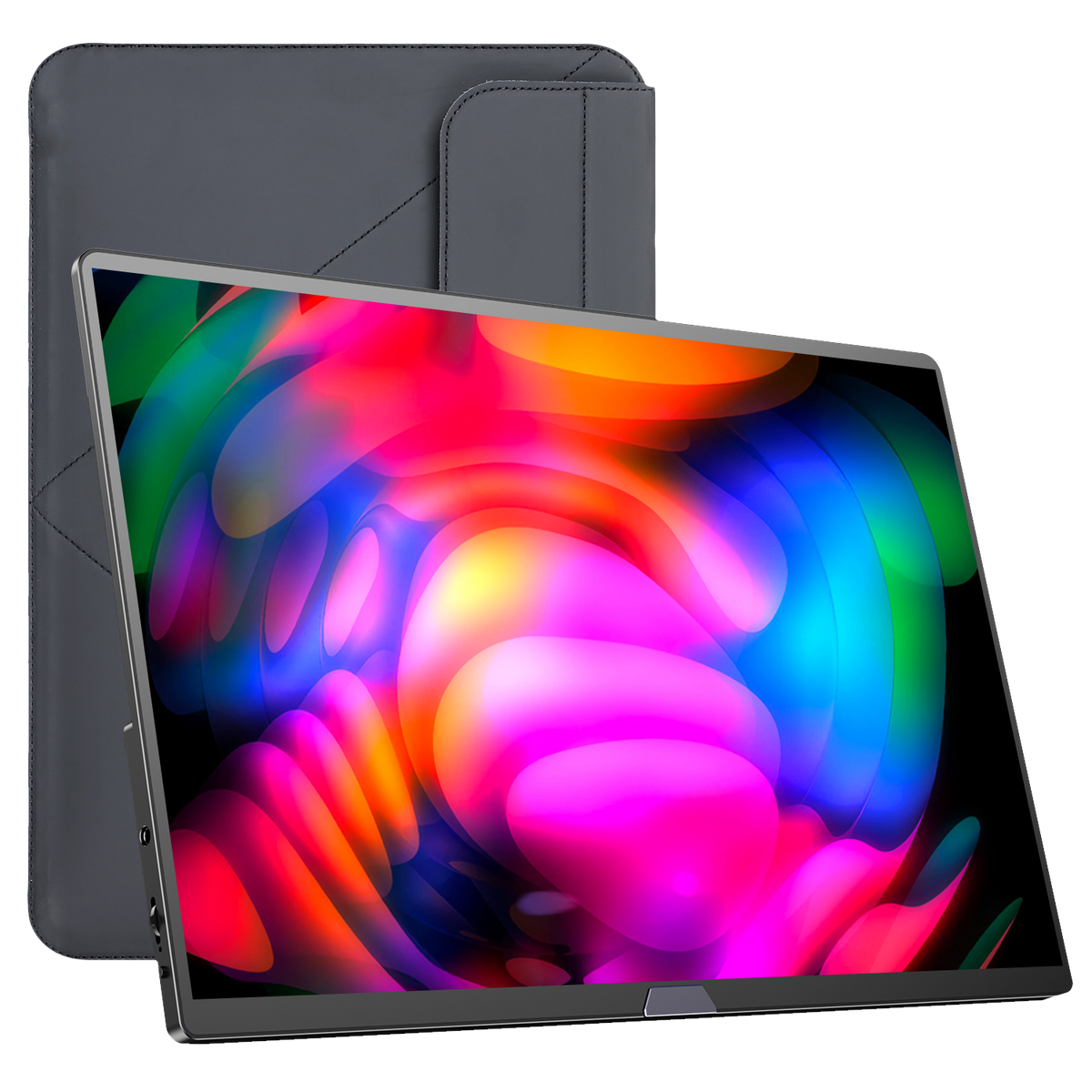
1000K+ have chosen UPERFECT to Make Every Space Their Stage
Great for Travel or Home
— @James wilsonAt first, I had trouble using all the monitor's features-it only worked in clone mode, not extend or expand. However, tech support was excellent, providing daily guidance with emails, photos, and videos until everything was resolved. The stand is sturdy, the vertical display helps maximize workspace, and it folds easily for travel. Setup is simple with just two included cables, one for power and one USB-C for data. After two weeks of use on the go, I've had no issues at all.
Works beautifully for work
— @Jessica Davis"I sometimes bring my Xbox over to my brother's for the weekend when we play games or have a family holiday. This monitor is great for its portability and plug-and-play setup. The colors are pretty vivid, though it's only 1080. The real bonus is the built-in speakers. You don't have to bring extra speakers; while they aren't super loud, they do the trick. All in all, I would recommend this monitor."
Portable Power Meets Pro Performance
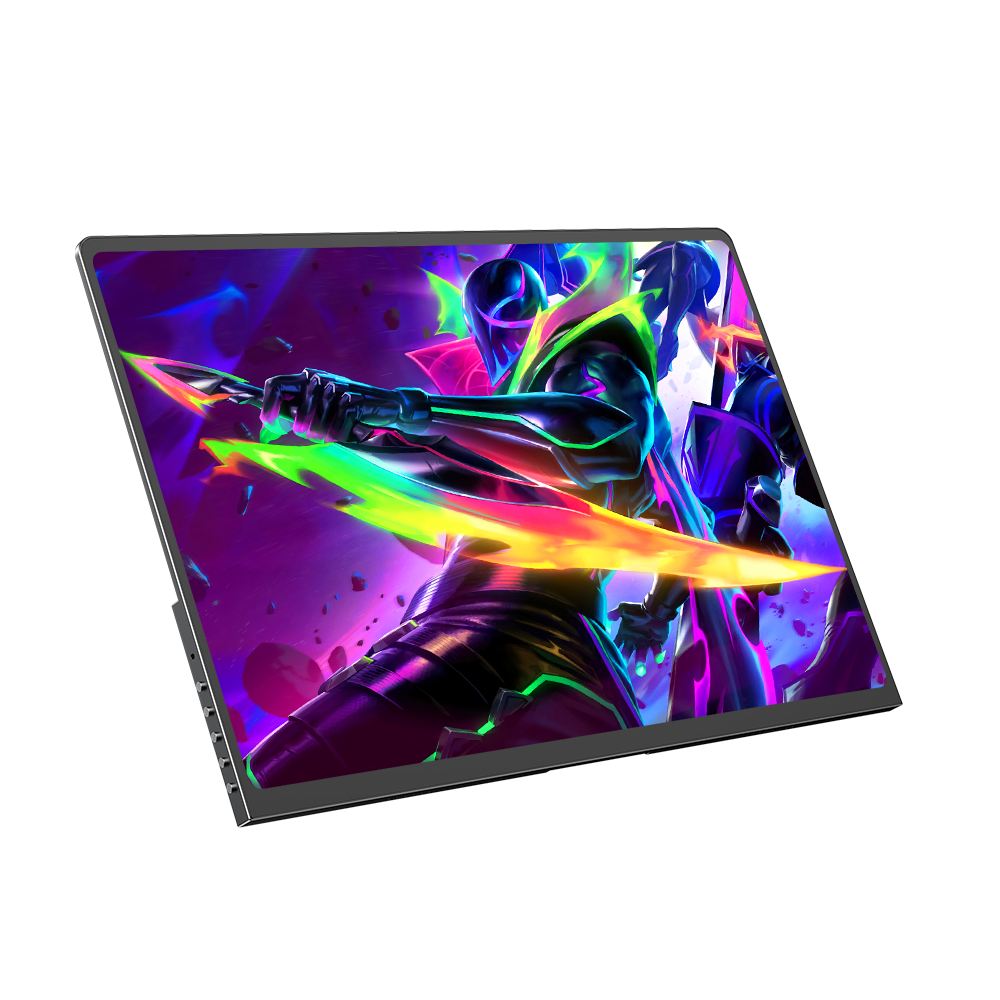
— @Michael Brown"the UPERFECT 18" 144Hz FreeSync Monitor - the ultimate upgrade for gamers,creatives, and on-the-go pros. Crisp visuals, buttery-smooth refresh rate, and ultra-slim portability that goes everywhere you do."
A beautiful, sleek monitor!
— @Sarah JohnsonA beautiful monitor that is just the right size for my remote work setup! The touchscreen is very responsive, and the screen finish is so smooth and sleek. It is lightweight, and the carrying case is very nice and well-made. I had a question about adjusting the brightness, and the service team helped me quickly and effectively. Highly recommend!
Not sure how big your monitor is? This guide walks you through measuring screen size diagonally, calculating dimensions with a simple formula, converting centimeters to inches, and measuring curved monitors. You'll also learn the difference between screen size and overall monitor dimensions.
Learn how to change your monitor's OSD language, check available language options, and navigate menu settings across different monitor models. Discover common language settings and helpful tips for a smoother setup.
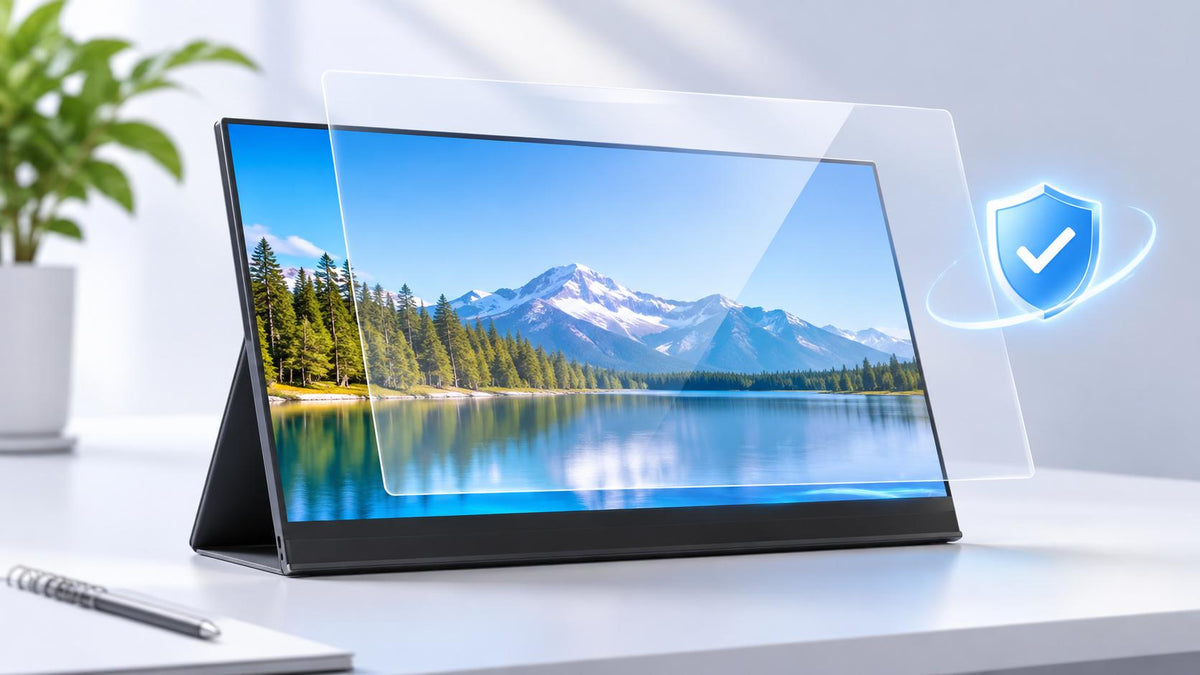
If you regularly carry a portable monitor between home, the office, and other locations, you've probably wondered whether you need a screen protector. Unlike a desktop monitor that usually stays in one place, a portable display is more likely to...
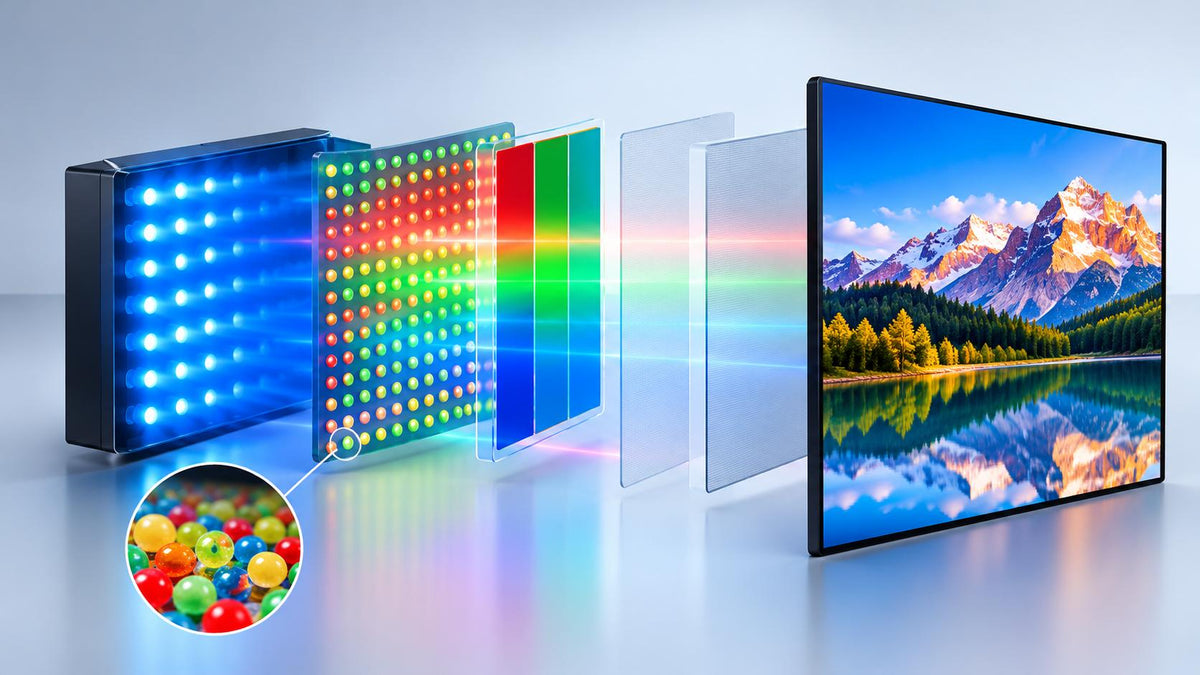
Looking for a monitor with vibrant colors and sharp, detailed images? You’ve probably come across QLED while comparing different display technologies. It’s a popular feature in modern displays, but what does it actually mean, and is it worth looking for...