

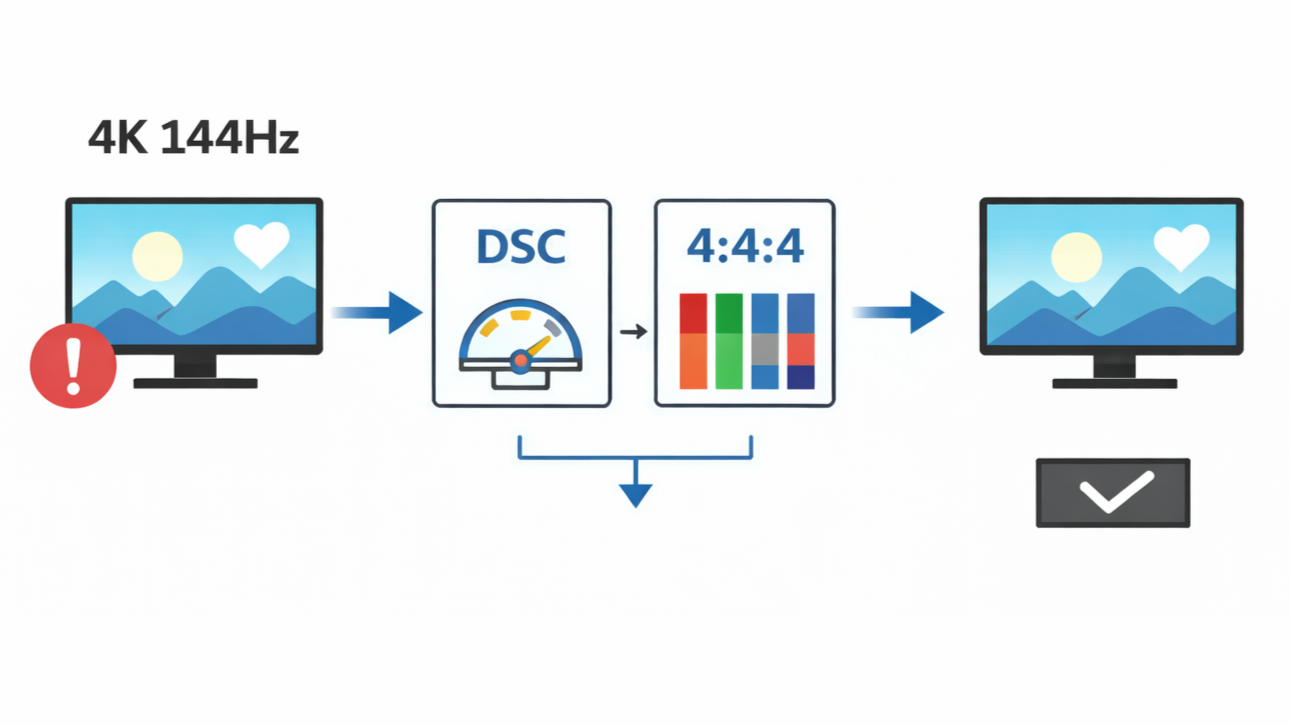
When people purchase a display with a “4K@144Hz” label on the box, they expect the best of both worlds. Technically, they end up with high-quality imagery and an amazing visual experience. However, these people don’t realize that getting the best out of such devices is not as straightforward as it seems.
Visual systems like this require sending an enormous amount of data from your source device to your monitor. When the transmitted video data exceeds the capacity of the port, slight compromises in quality will be made. At some point, enabling 4K at 144Hz sometimes triggers unexpected bandwidth limitations that affect color details and visibility.
In this article, we’ll explore some of the complexities related to visual systems with 4K resolution at 144Hz. We’ll also examine the bandwidth math and signal compromises behind modern display standards, and why these systems require compression systems like DSC or chroma subsampling.
Why 4K Resolution At 144Hz Is a Bandwidth-Heavy Signal
On the surface level, 4K resolution is one of the most bandwidth-intensive signals that most visual systems are unable to handle. This high resolution and high refresh rate require certain technologies and adjustments to handle the high data rates.
Generally, a 4K resolution display (3840 × 2160) is a representation of about 8.3 million pixels per frame. When this amount of pixels are run at a refresh rate of 144Hz, the source device has to transmit those 8.3 million pixels 144 times every second.In addition to this, color depth takes about 30 bits per pixel, raising the data rates to about 40 Gbps when you multiply all these metrics. While most users assume refresh rates have little impact on the bandwidth, this is not entirely true. Since you are already dealing with a high resolution at 4K, an increase in refresh rate exponentially affects the data rate that is transmitted.
An increase in refresh rate means there will be more pixels transmitted per second, and this in turn causes more load on the cables and ports with bandwidth limits. However, the bandwidth numbers can differ in theoretical and usable interface bandwidth.
For example, there are certain standards like HDMI 2.1 or DisplayPort 1.4, with very high maximum speed levels. Those bandwidth numbers may appear impressive and seem like there is enough space to handle high resolution at 4K and high refresh rates. But in reality, no one gets to use all that space for video transmission.

In most cases, part of the bandwidth is used for other processes like;
- Blank intervals for display timing
- Hidden data usage, and
- Protocol signaling.
Display Interface Bandwidth Limits Explained
There are times when the monitor is labeled with 4K/144Hz support, but the display still experiences limitations. In cases like this, the limiting factor is often the display interface. It turns out that even the connection standard has its own bandwidth ceiling that can never be topped. Eventually, the video signal has to give in to compromises whenever it approaches this ceiling.
Meanwhile, not all display interfaces are designed with equal qualities. Take for instance, DisplayPort 1.4 offers less bandwidth when compared to newer models like DisplayPort 2.1. However, those figures are still not a representation of the space available for the transmission of video data. Nevertheless, cable and port versions matter in video display.
If a monitor fully supports DisplayPort 2.1 but your GPU is limited to DisplayPort 1.4 output, the visual system may never attain the most bandwidth-intensive experience. Moreover, a visual system with the “Supports 4K/144Hz” label sometimes comes with unclear conditions in display. Some of them rely on compression systems like DSC and chroma subsampling. These compromises are usually used to achieve high resolution and high refresh rate.
Color Format and The Consumption Of Bandwidth
Beyond resolution and refresh rate, the color format also has an impact on the bandwidth usage. It also determines the type of signal that fits within the limit of your display bandwidth. In this case, there are two commonly used color formats: RGB and YCbCr.
RGB is the most common color model used to package color data by systems and visual displays. It simply represents the primary color for light-based technology: Red, Green, and Blue. Being the foundational color formats, they are used to produce millions of other colors.
YCbCr is another color model known for its lossless compression commonly used in TVs and streaming services. Unlike the RGB model that relies on the primary colors for display, YCbCr helps separate the visual data into two parts: luminance and chrominance. This process is usually more effective when transmitting video signals.
RGB is generally considered a color-oriented model that preserves color quality for every image frame generated from the source device. This model is very useful for monitors displaying large amounts of texts and elements where image clarity is very important. However, YCbCr offers quite a good amount of color clarity, that is sufficient for movie display and broadcasting. Since they offer some form of lossless compression, the pixel colors undergo minor smoothing.
When video data is converted to YCbCr, it undergoes a process known as chroma sampling. This process involves a lossless compression of color package while keeping full brightness detail. Here are three color values used to represent chroma sampling; 4:4:4, 4:2:2, and 4:2:0.
4:4:4 means there is no chroma sampling. Here, the color and peak brightness is 100% retained for every image frame. 4:2:2 represents reduced color resolution, where the color quality of adjacent image frames is halved, while preserving the peak brightness across each pixels. 4:2:0 works like 4:2:2, except that it reduces the color quality horizontally and vertically, while still preserving the peak brightness. Here, video texts and subtitles may appear faint.

Image credit: RTINGS
When Display Stream Compression Becomes Necessary
The ideal visual experience for modern display requires a high resolution, high refresh rate, and quality color depth. However, it is almost impossible to transmit video data with all these qualities considering the limitations in native bandwidth. Hence, the need for compression systems like DSC.
Display Stream Compression is a compression algorithm introduced by VESA to manage the resolution and refresh rate of visual systems. Considering the growing demand for high-quality HDR displays, this standard is used to reduce data requirements for HD videos over limited bandwidth.
When a video is displayed on a monitor, image frames are transmitted from the host source. DSC works by using an algorithm to reduce the amount of data sent to the monitor. They do this by using a compression ratio of 2:1 or 3:1, which massively reduce the bandwidth without noticeable difference. Using half or one-third of the transmitted bandwidth in real-time, it is easy to display high resolution videos with high refresh rates over a limited bandwidth.
Unlike older compression systems, DSC technology is visually lossless and maintains high quality image frames. This is why they are usually preferred to chroma subsampling. Unlike DSC, chroma subsampling reduces the color quality and to some extent, text details, to help manage bandwidth. Meanwhile, DSC saves color depth and every other visual detail.
DSC vs Chroma Subsampling
When displays suffer from bandwidth limitations, DSC and chroma subsampling technically serve the same purpose. On the contrary, they solve the bandwidth problem using different techniques.
Based on the quality of image transmitted, DSC is practically superior. This is because it finds a way to compress image frames using a lossless method that somehow preserves the chroma in a 4:4:4 color metric. Meanwhile, chroma subsampling reduces the color information, transmitting images with 4:2:2 and 4:2:0 color metrics depending on how compressed they are.
However, many users do not have the luxury of selecting a preferred compression system. This is because compatibility is a big factor in compression. On one hand, DSC requires support from various parts of the systems involved in the transmission and display of video data. On the other hand, chroma subsampling is usually supported by every system involved in the transmission and display of video data. This is one of the reasons why chroma subsampling is usually favored over DSC.
Why Your System Might Fall Back to Chroma Subsampling
Sometimes, visual systems may support 4K resolution and 144Hz refresh rate, but still fail to deliver full color depth. In this situation, the system usually reverts back to chroma subsampling because of a factor known as GPU output limitation. Instead of undergoing the DSC process, certain graphics cards may not support DSC standards.
This can sometimes be accompanied with monitor input issues. Some visual systems require certain conditions and input to be functional and enable their highest refresh rate. Others may require complex enabling procedures in the firmware to fully support high resolution at 4:4:4 chroma metrics. If they cannot be properly enabled, the video data defaults back to its subsampling form.
Common Displays That Reverts To Chroma Subsampling
Gaming displays have been some of the biggest victims of complex situations reverting to chroma subsampling. Usually, modern gaming monitors are labeled with 4K resolution and 144Hz refresh rate. However, some of these monitors require certain conditions to thrive. Gamers might need a specific type of port and switch on compression features.

Image credit: highsportugal
Meanwhile, docking stations and adapters somehow limits the quality of video data. Technically, video data is easily transmitted when the monitor is directly connected to the computer. However, it becomes more complicated when it has to travel through extra cables.
How to Check What Signal Your Display Is Actually Using
A monitor labeled with 4K resolution at 144Hz is not enough to deliver full quality video data. With the evolution of modern systems designed for specific purposes, an operating system can also pose a limiting factor. To avoid the pitfalls of OS incompatibility, users need to verify the type of signal the visual system receives.
Some OS comes with a control panel indicator that reveals the quality of the video data including the resolution and refresh rate. This information can be easily located in the system settings of the connected display.
Another alternative is the monitor’s On-Screen Display. Modern displays have been equipped with a signal information menu that displays every necessary format of the video data, including the activity of compression systems.
How to Avoid Compromises In Image Quality
Every user has high expectations especially after purchasing a high-quality visual system. However, there is a need for careful setup and background checks to get the best out of such devices.
One of the most overlooked steps is choosing a suitable interface and cable. Older ports are designed to be very much limited when it comes to the transmission of 4K 144Hz video data. To get the best out of your device, you need to always match the cable and port to the monitor’s recommendation.
Also, don’t forget to double check your GPU specifications. For better visuals over limited bandwidth, it’s always better when the GPU supports DSC.
Conclusion
Overall, every user has a role to play in getting peak performance from their visual systems. By making the right setup, anyone can easily enable DSC compression when necessary.
Share:
Why Some USB-C Ports Support Video Output While Others Don’t?
How EDID Handshake Works Between Source and Display?