

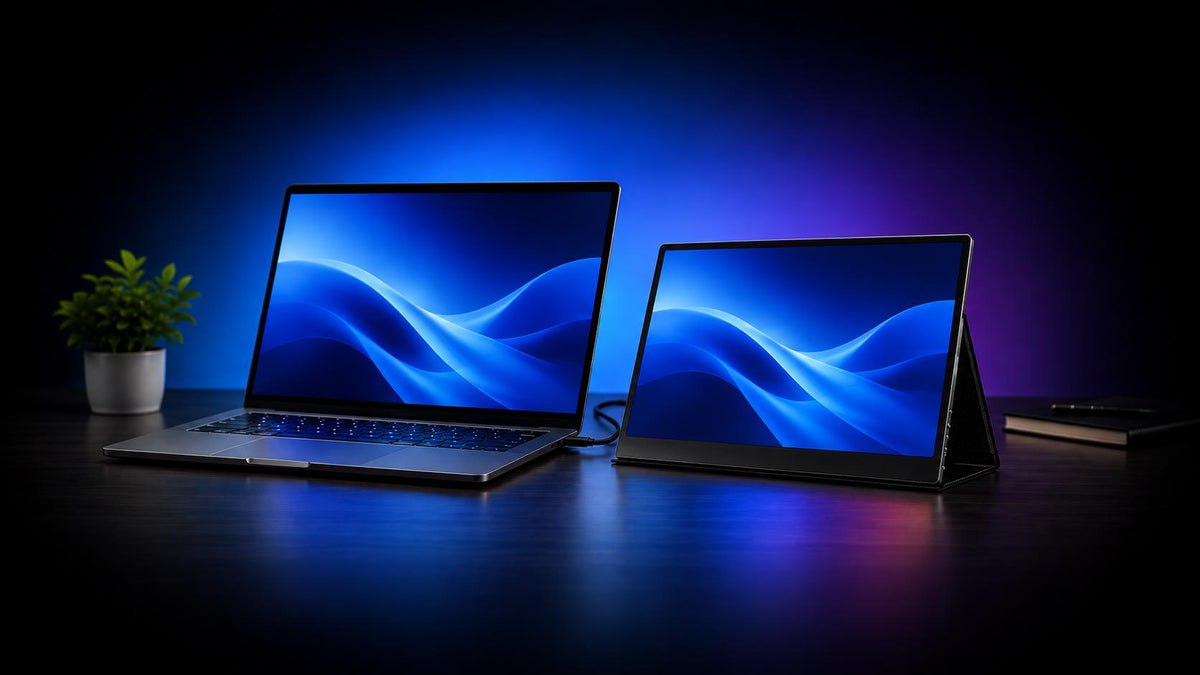
Laptops are an excellent way to stay mobile and get work done, but compared to a desktop setup, you may find it lacking if you’re used to multi-screen productivity.
That’s where portable monitors come in, giving you a way to bring that multi-screen setup in your backpack.
We’ve gathered a list of the 7 best portable monitors for laptops, whether it’s for your everyday browsing and productivity tasks, or for gaming and media consumption.
Let’s jump right in!
A Quick Overview
|
Monitor Name |
Display Size |
Display Type |
Resolution |
Refresh Rate |
Weight (kg) |
Price |
Best for |
|
1. UPERFECT GR19BU |
19-inch |
QLED |
4K (3840 × 2160) |
144Hz |
1.39 |
$479 |
Large-screen gaming, media consumption, and productivity |
|
2. Viewsonic VG1457 |
2x 14-inch |
IPS LCD |
WUXGA (1920 x 1200) |
60Hz |
1.2 |
$399.99 |
Multi-screen productivity in one compact package |
|
3. UPERFECT GR16EQ |
16-inch |
IPS LCD |
2K (2560 × 1600) |
144Hz |
0.72 |
$199.99 |
All-round performance, larger screen size, all without breaking the bank |
|
4. Sotsu FlipAction Touch 14" |
14-inch |
IPS LCD (touchscreen) |
Full HD (1920 x 1080) |
60Hz |
0.67 |
$399.99 |
Users who need a touch-screen input for workflows |
|
5. ASUS ProArt PA169CDV |
15.6-inch |
IPS LCD |
4K (3840 x 2160) |
60Hz |
1.07 |
$649.99 |
Creatives who need to pair their laptop with a color-accurate, touch-input display |
|
6. ROG Strix XG129C |
12.3-inch |
IPS LCD (touchscreen) |
1920 x 720 |
75Hz |
0.56 |
$199.99 |
Gamers or heavy multi-taskers who need a compact secondary display |
|
7. Intehill F13NA |
13.3-inch |
OLED |
Full HD (1920 x 1080) |
60Hz |
0.45 |
$159.99 |
Users who need a capable portable monitor, without breaking the bank |
7 Best Portable Monitors for Laptops
1. UPERFECT GR19BU – (Editor’s Pick) Best Overall Option

Click here to buy: UPERFECT GR19BU
The Standouts
Ranking in as the best overall option is the UPERFECT GR19BU for a few main reasons. Firstly, it’s rocking a large 19‑inch QLED screen with a crisp, detailed 4K resolution.
That gives you all the space you need, with some excellent image quality.
The GR19BU is also a beast for gaming thanks to its 144Hz refresh rate support and excellent color accuracy. It achieves a 107.9% DCI-P3 color gamut, which paired with the QLED display, means you’re getting far more vibrant and richer colors that still feel natural.
While it’s a beast for gaming, it’s no slouch as a business monitor either; the large screen paired with its color reproduction also makes it ideal for creative work like photo editing or graphic design, as well as for everyday productivity tasks.
The Trade-Offs
However, since it is a larger 19-inch display, that means it will take up more space in a backpack. Not to mention it’s comparably heavier than most other options on the list, weighing in at 1.39 kg.
That said, if you’re after a large, capable performer, the UPERFECT GR19BU is an excellent option.
2. ViewSonic VG1457 – Best Portable Monitor for Multi-Screen Setups

The Standouts
If you’re after a versatile multi-screen setup on-the-go, the ViewSonic VG1457 is worth a look. Including your laptop, with the VG1457 you’re getting a total of three screens for multi-screen productivity.
It features two 14-inch WUXGA displays which can extend your workspace to a massive 19-inch viewing experience. Alternatively, you can also use a variety of different viewing modes and angles, including ‘dual-source’ mode which lets you connect and display two different laptops/devices on the separate screens.
The VG1457 also supports Power Delivery, which makes it convenient to set things up with one cable; either from a power outlet that also charges your laptop, or uses your laptop’s battery to power the display.
This is a great option if you really need the versatility of two extra screens, in one compact package.
The Trade-Offs
Firstly, it’s noticeably pricier than other options, even with its rather basic overall package. The screens only get up to 1920 x 1200 resolution and have IPS LCD panels, which is a far cry from other, single-screen monitors in the price range.
It’s also quite heavy, weighing in 1.2kg, which makes it feel like you’re lugging around two laptops in a backpack.
3. UPERFECT GR16EQ – Best Value-for-Money Portable Monitor

Click here to buy: UPERFECT GR16EQ
The Standouts
If you’re looking for the best bang-for-your-buck to pair with your laptop, the UPERFECT GR16EQ is a top contender. You get a well-sized 16-inch display rocking a crisp 2K resolution. The panel is a standard IPS LCD, but for the price, the size and image quality makes up for it.
It’s great for gaming too thanks to the silky smooth 144Hz refresh rate and speedy 9ms response time. It’s also lightweight weighing in at just 0.75kg, has dual 2W speakers, and a slim bezel design all around the display.
The Trade-Offs
While the GR16EQ is a great deal, it still has an IPS LCD display which can be a deal breaker for some. It’s still sharp, clear, and vibrant, but compared to an OLED, it’s still a bit lacking.
4. SOTSU FlipAction Touch 14" – Best Touch-screen Portable Monitor for Windows Laptops

The Standouts
The SOTSU FlipAction Touch is a great pick if you’re looking for something with a touchscreen. You’re getting a 14-inch Full HD touch-enabled display, giving you easy access to on-screen controls like in editing timelines or just browsing the web.
But the main attraction here is the build quality; the FlipAction Touch has a premium aluminum chassis that looks and feels Apple-esque. It comes with a built-in pivot hinge to easily switch between portrait and landscape, and a sturdy built-in stand.
To top it off, it supports a 100% sRGB color gamut for vibrant colors, 400 nits brightness, and is a lightweight 0.67kg for added portability.
The Trade-Offs
The SOTSU FlipAction Touch does feel premium, the overall features are a bit lacking considering the price tag. At this range, you’d expect at least a 2K resolution, a faster refresh rate, or improved color reproduction.
While its premium build is enticing, it could offer a bit more in the hardware department.
5. ASUS ProArt PA169CDV – Best Portable Monitor for Creatives

The Standouts
The ASUS ProArt PA169CDV is built for creatives who need their monitor to display accurate color & sharp image quality. The 15.6-inch 4K display does exactly that, especially paired with ASUS’s Delta E < 2 fine-tuning, 100% sRGB support and Calman Verified certifications.
Plus, the ProArt monitor is also a touch display, and comes bundled with the ProArt Pen to easily draw, write, or navigate the interface directly. On the rear, the monitor features two built-in kickstands; one for normal use, and another to get a better angle for drawing or writing.
All-in-all, if you’re after a color accurate, and sharp monitor for fine-tuned creative work, this one’s a great pick.
The Trade-Offs
But for all that focus on color accuracy and image quality, you’ll need to pay a staggering premium for it. The monitor is pricey, and if you’re not going to take full advantage of its creative-focused features, you’re better off with other options.
6. ROG Strix XG129C – Best Secondary Screen for Gaming & Multi-tasking

The Standouts
For users looking to ‘expand’ their workflows or gaming experience, but keep things as compact as possible, ROG Strix XG129C is a unique option to check out. Compared to other options, the XG129C is far sleeker, sporting a 12.3-inch IPS touch display with a 1920x720 resolution.
That’s because the monitor was designed to act more like a ‘second-screen’, rather than a full extension of your laptop. This makes it great for things like extending your view for Discord chats, control panels, editing timelines, reference images, or in-game HUDs like maps.
Form aside, it’s got some pretty beefy specs including 75Hz refresh rates, 125% sRGB and 90% DCI-P3 color gamut support, and the ASUS Control Panel, which has built-in integrations with dials, sliders, etc. to more easily use software like music streaming or design apps.
The Trade-Offs
But for most users, this may not be the ideal option. It has some extremely niche use-cases that not all will need. The upside is it’s relatively affordable at $199, but if you’re not looking for just a compact second-screen, and more of a traditional portable monitor, another option may be best.
7. Intehill F13NA – Best Entry-Level Portable Monitor for Laptops

The Standouts
Lastly, we have the Intehill F13NA, a fantastic entry-level portable monitor.
The main draw here is the screen; a 13.3-inch OLED display with a Full HD resolution. Considering the price, it’s impressive you can get an OLED screen with a decently high resolution and vibrant colors thanks to the panel and 100% DCI-P3 color gamut support.
And since it’s a smaller screen, it’s ultra portable, weighing in at just 0.45kg so it’s easy to bring on the go.
To round it off, it also features dual built-in speakers, both USB-C and mini HDMI ports for connectivity, and a speedy 1ms response time.
The Trade-Offs
While it’s a steal, the F13NA does have some downsides. The OLED panel is nice, but since it measures in with just a 13.3-inch screen, it might not be the best setup if you need a larger monitor for your laptop.
We also noticed that at the bottom of the display, there’s quite a noticeable chin, which doesn’t take away from its performance, but does make it feel a bit less ‘modern’.
Portable Monitors for Laptops Buyer’s Guide – How to Choose the Right Monitor
Screen Size – How Much Display Space Do You Need?
For portable monitors, one of the biggest considerations is the screen size.
You need to narrow down how big (or small) of a screen you’re looking for. In this case, do you want something with a larger screen than your laptop, or something compact and smaller to make it easier to bring around?
Most portable monitors range between these sizes:
- 14-inch or smaller- ideal for users who prioritize compact displays and portability i.e. for multitasking and productivity.
- 15-inch – 17-inch- best for users who want a similarly sized screen to their laptop, and want to use it for gaming or media use.
- 18-inch or larger - users who want a more traditional desk setup that they can take on-the-go.
Resolution & Image Quality – Do You Need Full HD, 3K, or 4K?
Resolution affects how sharp and detailed everything looks on your portable monitor, and can have a big impact on overall image quality.
While Full HD (1920 x 1080) is crisp enough for basic productivity tasks and everyday use, higher resolutions like 3K or 4K are capable of a much sharper image.
So if you’re mainly using the monitor for browsing, working with documents, or multitasking, Full HD should work well.
But if you’re working with creative projects, or just prefer a better image quality to use it as a gaming portable monitor or for watching movies, you may benefit more from a higher‑res display.
Refresh Rate – 60Hz or Something Faster?
Refresh rate simply determines how smoothly everything moves on‑screen. Most monitors come with a 60Hz display which is suited for everyday tasks like browsing, working on documents, or watching videos.
But if you plan on using the portable monitor for gaming, a higher refresh rate like 120Hz can make gameplay feel significantly smoother and more responsive.
Higher refresh rates can also make general use feel more fluid, but it’s not a deal breaker. Think of it as an added bonus.
OLED vs. IPS – Which Panel Type Is Right for You?
Another major difference between portable monitors is the display panel type which can have a noticeable impact on image quality and color reproduction.
OLED displays typically offer deeper blacks, stronger contrast, and more vibrant colors, so they’re phenomenal for gaming and media consumption. But they also come with risks like OLED burn‑in.
On the other hand, IPS LCD displays are generally more affordable and reliable, while still providing good image quality for everyday productivity.
OLED is definitely worth considering if you prioritize image quality and color vibrancy, but IPS can be a better pick if you just need a capable monitor at a lower price.
Connectivity – Will It Work With Your Laptop?
Lastly, before buying a portable monitor, make sure it supports the connection options available on your laptop.
Most modern portable monitors use USB‑C for video and power, so everything can connect with a single cable, while others may include HDMI or mini HDMI ports.
It’s also important to double‑check whether your laptop’s USB‑C port supports video output. Not every USB‑C port can connect to an external display. In that case, you may need an adapter or a different connection method depending on the monitor.
Share:
The Best Portable Monitors for iPad & iPad Pro: Better Productivity, Gaming, & Entertainment
The Best Portable Monitors for Raspberry Pi: Top Picks for Every Setup