

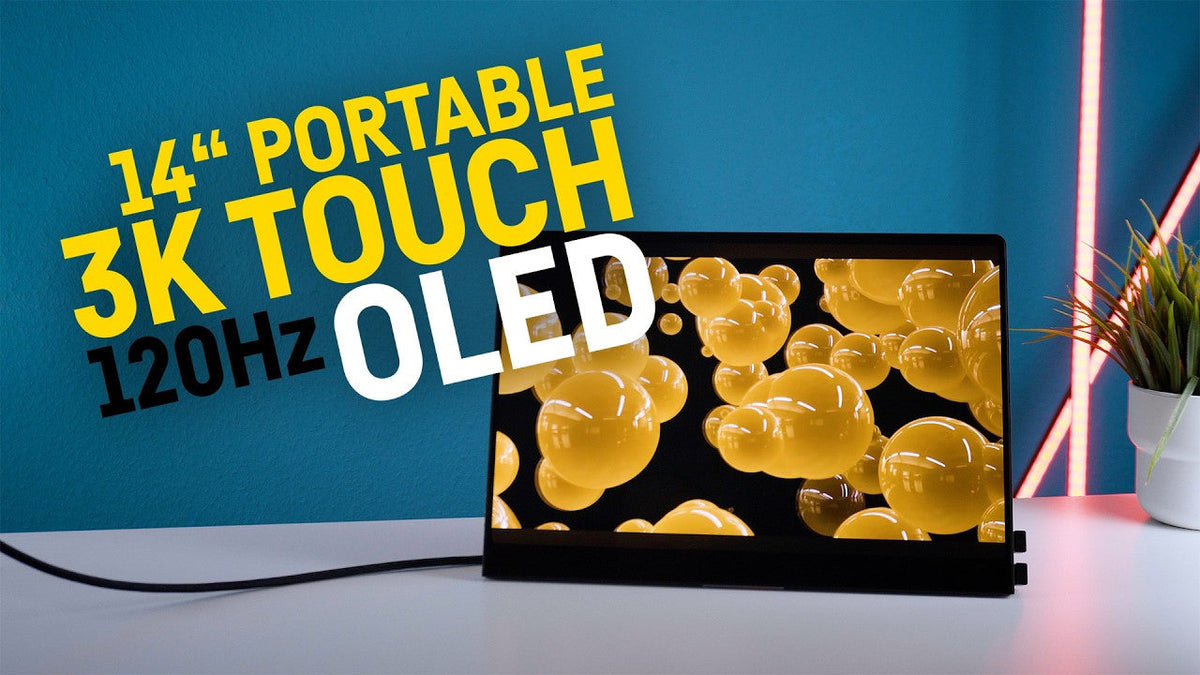
Hey everyone, if you are looking for a small but very neat portable 14-inch touchscreen for laptops, gaming handhelds or Android tablets, then today we're gonna see if the UPERFECT GR14BU is right for you or not.
Just for full disclosure, the monitor was provided to me for free by UPERFECT for the sake of this review, but I did not receive any financial compensation. UPERFECT did not get to see the video beforehand, and they didn't tell me what to say or test.
But before I get to the actual review, let's take a closer look at all the specifications first.
Display Specifications

Screen Size, Resolution & Refresh Rate
UPERFECT GR14BU has a screen size of. 14 inch, with a resolution of 2880 by 1800 pixels, which corresponds to the 16 by 10 format at a very high pixel density of 243 DPI.
And the whole thing is a glossy 120 Hz OLETD panel without adaptive sync, but with HDR compatibility and a response time of only 1 millisecond.
Color Accuracy
The color accuracy that I measured is very good at 100% for SRGB, 93% for Adobe RGB, 100% for P3, and 91% for the NTSC color space.
It's also an 8-bit panel that can simulate a bit more colors than standard 8-bit panel using FRC frame rate control technology.
Brightness Performance
For the maximum brightness, I measured around 398 knits in SDR mode, which is absolutely OK for indoor use, even in brighter rooms.
It was a tiny bit more in HDR, but outdoors, it's only sufficient in the shade.
You should definitely keep that in mind regarding the mobility of such a small monitor.
Picture Quality
The picture quality is just consistently really, really awesome.
It's bright, it's crisp, of course it's colorful since it's OLED, there's a big contrast and deep black levels.
It barely gets any better than this.
Power & Brightness

USB-C Power Limitation
However, when operating without the monitor's power supply and only using USB-C from my laptop, the maximum brightness was only at 1. 138 nts.
So, you have to plug it in to get the full brightness via a power connector.
Power Supply & Consumption
The UPERFECT GR14BU comes with a small USB-C power supply included, and I measured a maximum power draw of about 16 watts at the outlet.
Depending on the playback device, the power can also come directly from that device via the USB-C cable, like for example with this laptop here.
And by the way, I was able to run the monitor flawlessly with my 65 watt power bank, so theoretically you can use it on the go without an outlet for a while, depending on the power bank.
Power Passthrough
And even though it seems to have some sort of pass through, when you use it with a smartphone or handheld, for example, with the original power supply, it wasn't enough to sufficiently power my Asus ROG Elite gaming handheld.
But when I used a 100 watt power supply for the UPERFECT monitor instead, the handheld was also perfectly supplied with enough power.
Design & Build Quality

Weight
It weighs only around 600 g, which is about as much as the mentioned gaming handheld.
Materials & Construction
The extremely thin chassis here consists of black aluminum on the back, while the narrow vessels at the front are seamlessly covered with the glass of the display.
It actually feels pretty premium, overall, it is built very sturdily, with zero flags in the frame or the panel, which wouldn't make much sense anyway, because it's a touch display.
Branding
But it's kind of weird that they still don't include a logo here, like, not even on the back, because of that, U Perfect monitors have always kind of felt like a no-name brand, but, I got some feedback about this, and it seems a lot of people actually like that.
Rounded Corners
It also has a little quirk, those corners here are slightly rounded, which causes a few pixels to disappear behind the basil in all four corners.
Because of that, I think it has a bit of a tablet wipe, which is rather unusual for monitors in my opinion.
Ports & Connectivity

Available Ports
On the right side, there are 3 ports, 2 USB-C ports and one HDMI port.
Included Accessories
There’re 2 USB-C cables, 1 HDMI cable, and one USB-C 2 USB-A cable included in the box.
Cable Length
You need one of the USB-C cables to power the monitor, though, in my opinion, like so often, the cables should all be longer because the USB cables are only about 115 centimeters short and the HDMI cable is only 100 centimeters.
So especially the power cables should definitely be longer, honestly.
Connection Options
You can choose for yourself which of the USB. Ports here you want to use for power and which one for the connection to the handheld, laptop, tablet or smartphone, plus it also works with the display port if you use a USB-C to display port adapter.
Alternatively, you can obviously just use the HDMI port over here, which is mini-HDMI by the way.
Audio
The monitor also has very weak, tinny speakers that can only be rated as a last resort if for some reason you don't have any other audio source.
Touchscreen Experience

Touch Connectivity
To use the touch function on Windows or Android devices, you either have to go to the USB-C connection route, or if you're using HTMI you need to additionally connect the end device via USB-A or USB-C.
When using HTMI, the monitor must be additionally powered by the power supply.
Touch Performance
All the Windows touch gestures I know seem to work flawlessly, so using 4 fingers, 3 fingers, 2 fingers for pinching, etc. just worked.
OSD Menu & Controls
On the left side, the UPERFECT GR14BU has the power button and 4 other buttons for the OSD menu.
That's kept pretty simple but still functional.
However, I would love to see menus where you can adjust the gamma value or the color temperature in Kelvin, for example.
Plus, you basically have to memorize which button does what because it's written on the back of the monitor, which led to a few wrong inputs for me before I finally memorized it.
Gaming Performance
You can definitely game on this monitor.
Pretty well, even though it has no adaptive sync.
The 120 Hz is just as helpful here as the very short response time of only 1 millisecond, which is pretty much always the case with OLEDs anyway, meaning ghosting effects practically don't happen here, even with fast movements.
Stand & Mounting

Built-in Kickstand
The monitor does have a very small built-in kick stand on the back, but since it's not as Wide as the screen, you cannot use it to set it up vertically.
VESA Mount
For that, it features a standard 75 millimeters visa mount on the back, so you can easily use it with an external visa compatible monitor stand.
Accessories & Cable Management

Carrying Case
Unfortunately, no case or transport bag is included in the box by default. You have to buy that separately. Something like that costs around 10 to €20 or dollars for 14-inch devices on eBay, etc.
180° Cable Adapters
As you can see here, by the way, I used 180 degree adapters for the cables, because otherwise they would just stick out pretty much from the side.
and with adapters like these, the whole setup just looks way cleaner.
It's not a must, but a good idea in my opinion.
Pricing & Discounts
The UPERFECT GR14BU currently costs $399 and with the code HW 50, you get a $50 discount on orders above $300.
And with the code HW 60, you get a $60 discount on orders above $400.
You can find the matching link.
Down in the description and the pinned comments.
Who Is This Monitor For?
So, who is this monitor meant for?
Quite clearly, for people who need a small, light but high quality touch monitor with an OLED display.
It will fit into almost any backpack and is a great addition for smaller laptops, gaming handhelds, or mini PCs.
For gaming, it's definitely well suited thanks to the 120 Hz and, the good response time.
Outdoor use is principles wise possible, at least in the shade, but it also works great as a mobile presentation monitor, which is extra nice with the touch function, of course.
Since it offers HDMI and USB-C you can really connect it to a variety of devices, basically to any laptop, gaming handheld, or Android or Apple device, though the touch function only works with the Windows and Android.
If these devices support this layout, that is via USB-C or HDMI, of course.
Final Verdict

The picture quality here is, in my opinion, really, really good, it's in no way inferior to my Acer Acer Swift X14 OLED laptop, which I'm currently using to power this.
they are basically identical, and HDR provides rich colors and high contrast with the appropriate content or games.
So overall, it's a really solid package, and the missing adaptive sync is actually the only real weak point for me here.
Share:
UPERFECT GR14BU 14" 3K OLED Touchscreen reviewed by Steam Flow
UPERFECT GR14BU Touchscreen gaming Display reviewed by Gadgets Guardian