

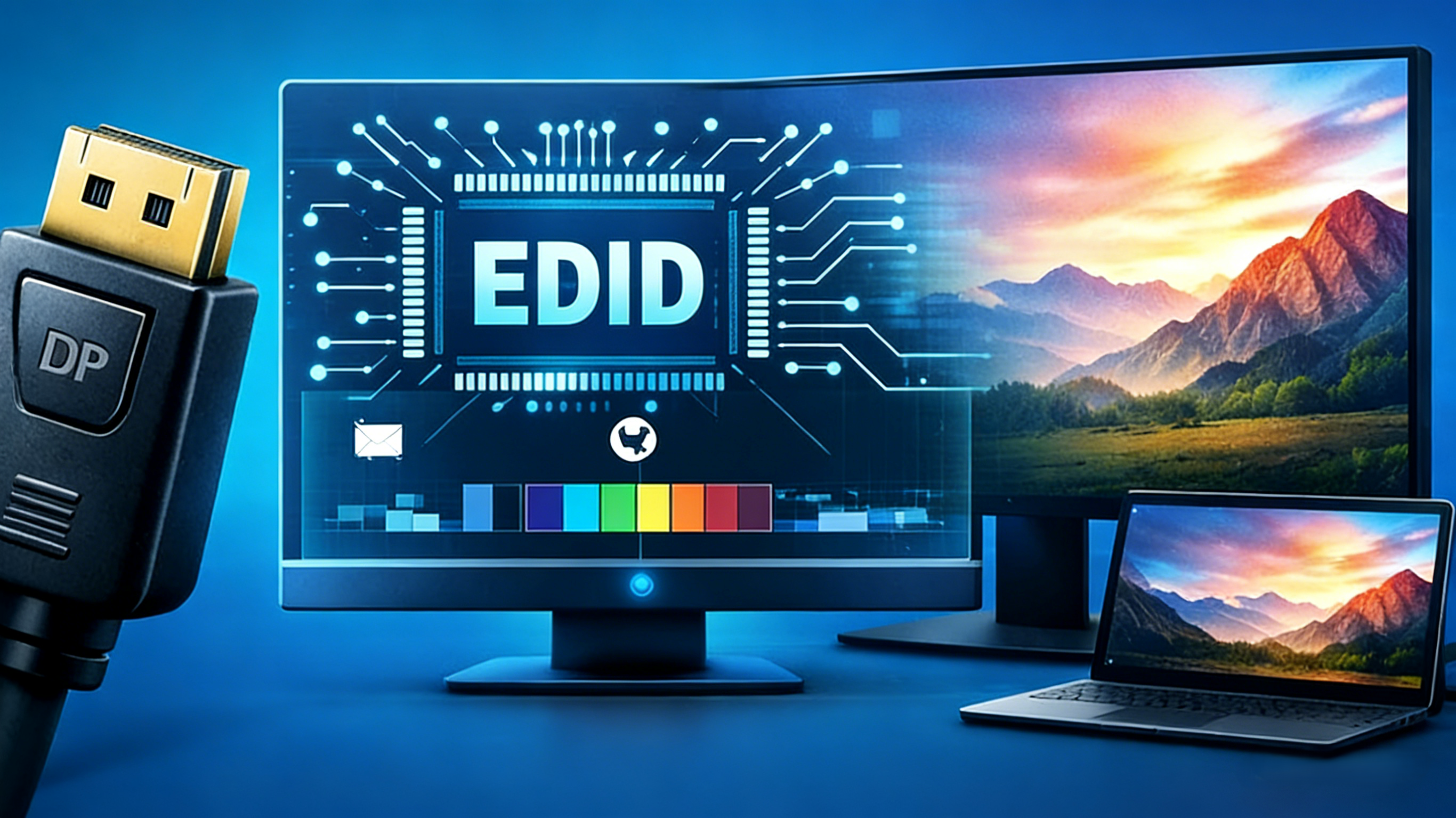
Display detection is one of the important processes in modern display systems. Beyond the recognition of a connected monitor, this process gives the computer system detailed information of the display’s capabilities. Even though it goes unnoticed, this technology is a huge part of the visual quality and compatibility across monitors.
Nowadays, many users don’t have an idea why a monitor delivers different refresh rate and color depth in different setups. This is simply because display output depends entirely on device communication. Before your computer is able to transmit HD signals, it exchanges data with the connected monitor to confirm compatibility. However, any form of incompatibility will result in degraded visuals and poor refresh rate.
At the center of this process is EDID; a digital identification card that sends information about the resolution, color, and other qualities of HDR display. Without this I.D, a monitor’s display detection can fail as the system has no reliable means of identifying the display’s characteristics. Hence, to understand how display detection works, you need to have a detailed knowledge of EDID and its functions in visual displays.
What Is DisplayPort EDID?
Extended Display Identification Data (EDID) is a standard means used by a system/source device to communicate the capacity of a visual system. This system is the carrier of information that tells the computer what the display supports, and how it can be optimized for a good experience.
Meanwhile, this identity card works with interface standards like DisplayPort, to successfully transmit visual signals. When DisplayPort is used, the system accesses and analyzes the monitor through the information received from EDID. For the display to function at full capacity, it needs to meet some compatibility features from the system. This identification system is read by the display immediately after it is connected with a system.

Image credit: Network Technologies Inc

What Information Does EDID Contain?
EDID provides about 128-bytes of information containing a simple list of operation-based data. Amongst this data is the display’s native resolution, along with refresh rates. These two data have been the most important display data, especially in modern monitors. This is simply used to inform your operating system about the level of ultrawide display and the maximum refresh rate the display supports.
Moreover, EDID also carries information on the color formats, depths, and other color information supported by the display. Insufficient color behavior in the display may reduce the system's abilities and limit the overall experience to unclear visuals.
Other data include HDR characteristics, and most importantly, manufacturer identification. This information gives the system updates on so many HDR features including the peak brightness and dark level. Based on the model number, EDID also transmits compatibility details that give a hint on the type of system that suits its operation.
How DisplayPort EDID Affects Display Output
The operating system plays a very huge part in coordinating visual systems. When connected to a display, they access the information carried by EDID. This information is then used to build a list of valid display modes, which in a way, determines the visual output.
While building display modes, EDID directly decides the selectable resolution and refresh rate. There are cases where the identification system selects a lower level of resolution even when the display supports a higher resolution. In the long run, the whole visual experience is determined by the maximum levels of HDR feature selected by the identification system. Other features like the dark level, peak brightness, and color behavior are only enabled when EDID information transmits full support.
With so many display qualities in the hands of EDID, visual outputs will most likely be limited by the transmitted information. However, an inaccurate EDID data will only result in conservative defaults at reduced resolution and overall quality.
DisplayPort EDID vs HDMI EDID
While DisplayPort and HDMI support the EDID standard, they both have similarities, while operating in different ways. Generally, DisplayPort and HDMI transmit the same core structure of information carried by EDID. Resolution, color behavior, model number, refresh rate, and the remaining information that makes up the 128-bytes worth of information is carried across both interfaces.
Practically, DisplayPort EDID is a more reliable interface because it can handle massive information without external interference. On the other hand, HDMI is more exposed to EDID misreporting. In most cases, this interference leads to insufficient visual output.
Due to the efficiency of DisplayPort EDID, modern laptops and USB-C ports often rely on DisplayPort Alternate Mode. This interface standard is commonly used in laptop-based workflows with the need for high-resolution videos.
EDID in USB-C DisplayPort Alt Mode
In modern display systems, USB-C has helped simplify the transmission of data on certain interface standards like DisplayPort. When a video is delivered through this connector using DisplayPort Alt Mode, EDID is certainly non-negotiable for high-quality display.
In this mode, a single cable can carry so much data simultaneously. This ease-of-use is dependent on a proper connection between the system and display. Nevertheless, any break in transmission will lead to failed display detection.
However, this USB-C setup undergoes a very fast process known as the Hot-Plug detection. This is the period where EDID is exchanged between the display and computer system once there is a connection in the USB-C setup.
As complex as this process may appear, timing matters. A lag in the system during the connection can result in incomplete data, or worse case, failed display detection. When this happens, the system reverts to safe defaults with extremely low resolution in the display settings.
Common Display Issues Caused by EDID
Many display issues have been traced to failed display detection related to EDID. Even heavy duty visual systems can display low-quality videos if EDID data is misinterpreted during transmission. This usually results in resolution capped at lower values. It is mostly caused by compromised data during unsuccessful EDID transmission.
In addition, visual systems with maximum refresh rate of 120 Hz or higher, may appear locked at 60Hz when EDID transmission is compromised. In cases like this, the system has no idea that the display is capable of higher performance because EDID never transmitted accurate data in the first place.
Meanwhile, HDR features are entirely dependent on EDID metadata. If they are not adequately reported, a system can assume that the display is not HDR-capable. This would eventually result in standard SDR output on a high-quality HDR monitor.
However, there is an exception. Certain monitors have compatibility issues with different systems based on how they interpret EDID data. Due to variations in port implementation, some monitors have weaknesses when handling EDID data, especially when orchestrated by a connector like USB-C.
How to Check or Diagnose EDID Issues
If you have issues with your display output, chances are the system is misreading the EDID metadata. Since EDID-related issues are abstract, users can conduct quick diagnoses to determine its limitations.
What other way to start than exploring the display settings in the operating system. Missing or limited metadata is easily a sign of an EDID issue. At this point, users can apply EDID inspection tools to view the raw data from the display. With this, missing and incomplete data can be tracked and exposed.
In cases where the information is complete, users can try switching interface standards and ports. Another option is to connect the same display to different systems, just in case there is a compatibility issue.

Image credit: Adder Support
Can EDID Be Modified or Overridden?
Since EDID deals with display data, users can override and manipulate the display’s input and output information. There are some operating systems that allow modification at the software level. In this case, an artificially created EDID file is sent to the operating system instead of the one provided by the monitor.
However, this process comes with its own risks. Manipulating EDID metadata can lead to instability when certain functions in the operating system are bypassed. These overrides can also interfere with the modified HDR features since they do not completely fix EDID problems.
Conclusion
Since there are no alternatives, EDID is especially important for portable and USB-C displays where a lot of data is transferred through a single cable. A well functioning EDID ensures the transmission of accurate display data for optimum output.
FAQ
Is DisplayPort proprietary?
No, it is an open standard interface.
How often does EDID communicate with a source device?
It happens once during hot-plug detection.
Where is the DisplayPort on a PC?
The DisplayPort is usually found at the back of the computer.
Where is the DisplayPort on a laptop?
They are usually found close to the USB port of the laptop, depending on the model.
Is DisplayPort the same as USB-C?
No, they are different. DisplayPort is an interface standard used for video/audio standard, while USB-C is a connector that can carry any signal through a single cable.
How many DisplayPort monitors can one system support?
Generally, one system can use up to 6 monitors, depending on the GPU.
Share:
What Is Display Stream Compression (DSC) and Why Is It Used?
What Is The Difference Between RGB And YCbCr, And Full Vs Limited