

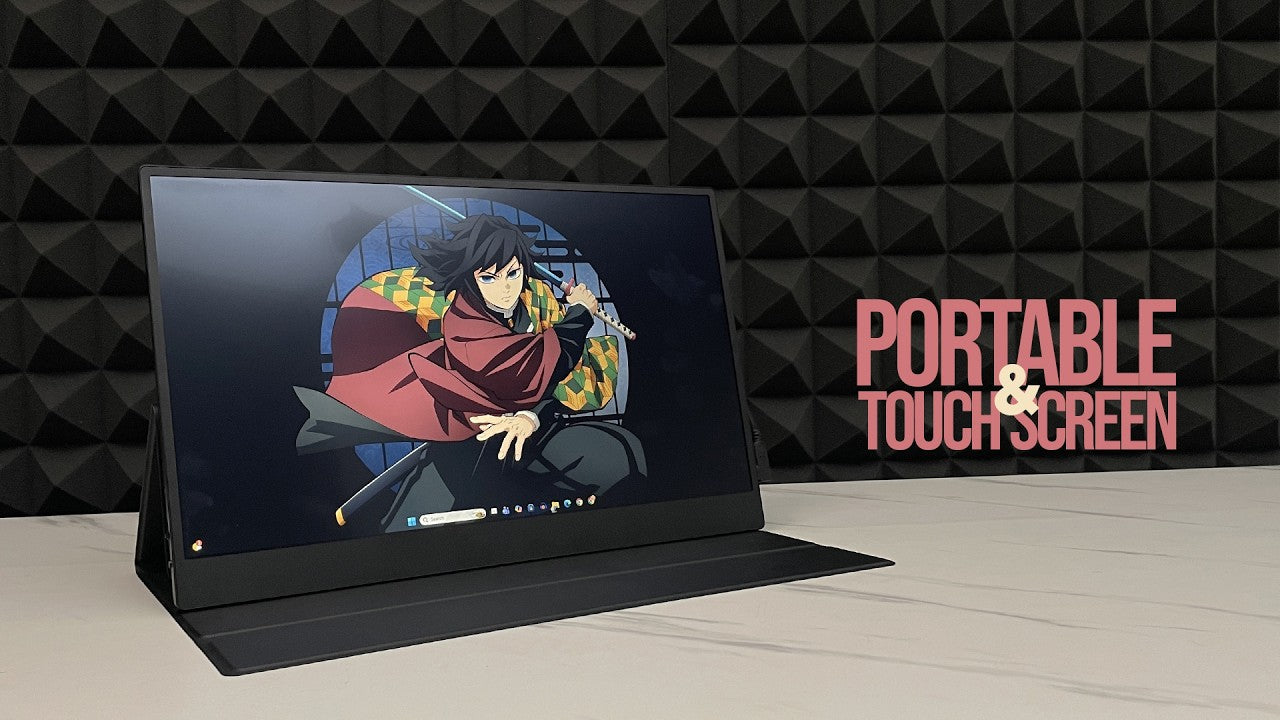
Lately, I’ve been needing a second monitor, but it has to be portable. I feel like this could really help increase productivity for work, editing, animation, and other tasks. Usually, when opening emails, WhatsApp, and notifications at the same time, everything gets messy.
So, I upgraded to something ultrawide-like because I thought it could replace two monitors. But the issue is that it still has to run in full screen, and sometimes using only one display doesn’t feel comfortable because the screen division isn’t that good.
Introducing the UPERFECT Touch Screen Business Monitor (UTouch E7)

The portable monitor I’m using is the UPERFECT Touch Screen Business Monitor, a portable touchscreen monitor. It uses an IPS panel with a standard resolution. It’s not really designed for professional design work, and it’s also not exactly for gaming.
Design and Portability

The design is slim, lightweight, and inspired by portability, making it easy to carry around. If you want, UPERFECT also provides a portable stand or dock monitor stand.
Connectivity and Ports

For connectivity, it provides two USB-C ports, one mini HDMI port, and a 3.5 mm audio jack. There are also buttons for power, back, and the OSD menu.
Accessories Included in the Box


Inside the package, the accessories are quite complete:
- Mini HDMI cable
- USB-C to USB-C cable
- USB-C to USB-A cable for laptops that support display output
- Power adapter
- Magnetic smart cover that also works as a stand
You can connect it using USB-C display mode or use the included power adapter.
Display Performance

The performance of the UPERFECT UTouch E7 is decent. There’s no major flickering issue, and it covers DCI-P3 color space reasonably well.
Brightness and Contrast

Brightness is standard, around a few hundred nits, while black levels and contrast are fairly average. The colors are consistent, although the gray tones are not the best. The contrast ratio also feels lacking.
Response Time and Latency

Display latency is acceptable, around several milliseconds, so response times feel fast enough even though it’s not extremely responsive like a gaming monitor.
Touchscreen Experience

One issue is with touchscreen functionality. Sometimes when touching the monitor, the control registers on the main monitor instead.
This happens because the aspect ratio and display arrangement need to match the main display settings. If not configured properly, clicking on one screen can affect the other screen.
How to Fix the Touchscreen Issue

Once the settings are adjusted to match the same aspect ratio, it works normally again.
Comparison With Other Portable Monitors

Overall, the conclusion is that it’s actually pretty good for a standard portable monitor.
Compared to competitors like ASUS ZenScreen and Samsung portable displays, the color differences are not too significant. RGB coverage is similar to entry-level design displays, and response times are also about the same.
Final Verdict
So, it’s not a gaming monitor because the refresh rate is still limited to 60Hz, but the panel performance is quite comparable to ASUS ZenScreen and Samsung alternatives.
The extra touchscreen feature makes it even more attractive, especially considering the price range and the variety of monitor options available from the UPERFECT lineup.
Share:
UPERFECT ZX27BU (UMax 27") 4K Monitor Reviewed by Over 50 Tech
UPERFECT BE16CU (Ucolor T6) Review by EldarGezalov