

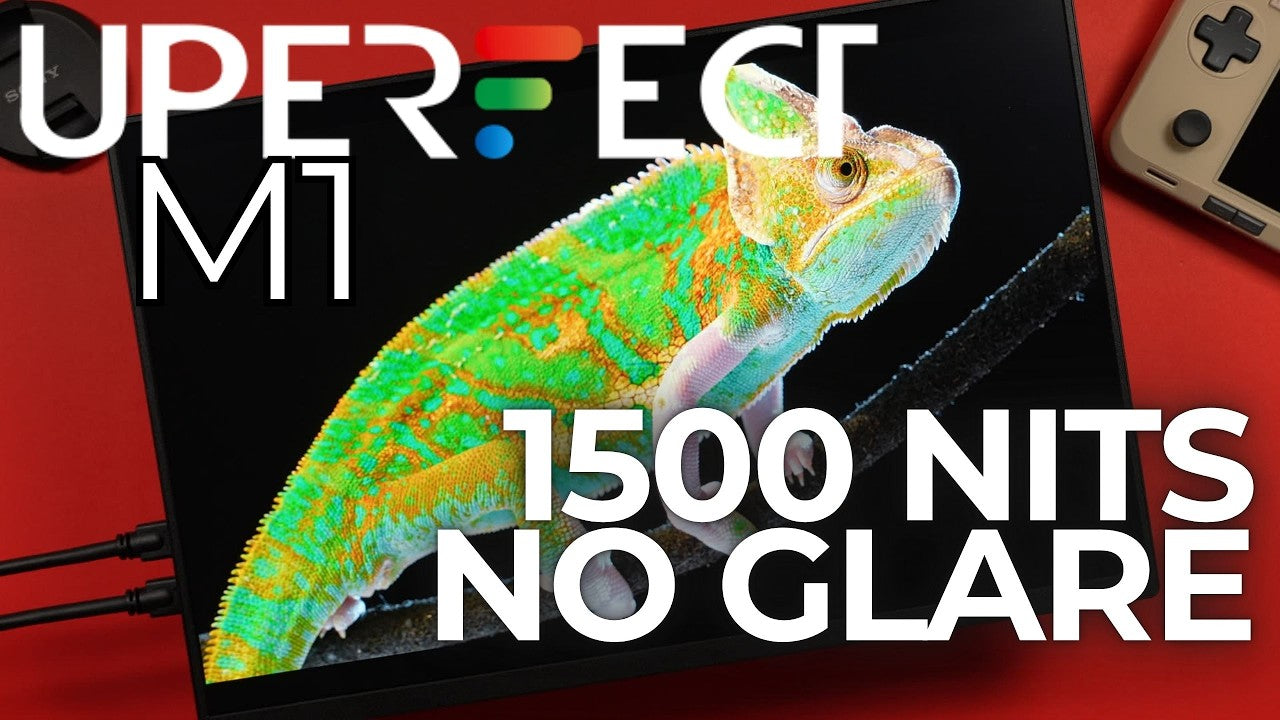
I’ve tested dim IPS panels. I’ve tested glossy, mirror-like OLEDs. I love matte screens, but they often feel so washed out. I even had a matte screen protector on my Steam Deck OLED, but I remember the sharpness and vibrancy coming back the immediate second I pulled it off. So, when UPERFECT reached out about this, their first mini-LED monitor, I was really skeptical. This back sheet claimed 1500 nits. This led me to the one big question from my entire review: Is this the solution? Is this the panel that lets you see your games in a bright sunlit room, or is it just a compromised piece of tech? But I can promise you that this monitor, the UPERFECT M1, has a very significant relationship with light in that it produces a hell of a lot of it. So, let’s hop in.

Time With the Monitor & First Impressions
I’ve spent the last three weeks with this, and this thing is not what I thought it would be. It’s a remarkable piece of tech, but it comes with a key power trade-off. And the entire philosophy of mini-LED is definitely something you need to understand.
Disclaimer: Just a standard disclaimer: UPERFECT did send me this UColor M1 to take a look at. As always, they have zero input into my video. They’re not seeing this before it goes live, and all opinions, tests, critiques, and nitpicks are entirely 100% my own.

What Mini LED Actually Means
Before we even talk about the monitor, we need to talk about what mini-LED actually means, because it’s the most important part of this review and it’s probably not what you think.
When you think of mini-LED, you probably think of a high-end TV. A mini-LED panel uses thousands of smaller, more efficient LEDs in its backlight. Most companies, like TCL, use this for local dimming. They group those LEDs into small zones that can be completely turned off independently. This gives you much better black levels than a standard LCD.
But it also creates an ugly, distracting bloom or halo effect around bright objects. I’ve even seen this on handhelds like the Odin 2 Mini. Even the best mini-LED displays can’t come close to the per-pixel perfection of OLED.

The Key Twist: No Local Dimming
Here’s the twist the UColor M1 doesn’t do that. It doesn’t have any local dimming at all.
UPERFECT made a deliberate choice. Instead of chasing near-OLED blacks and dealing with bloom, they used the powerful, efficient mini-LED backlight as one giant, uniform light cannon. That’s the balance they went for: maximum brightness and richer colors, while completely eliminating bloom.
This is both good and bad news.
The bad news: you’re not getting the deep, inky blacks of OLED or a local dimming monitor.
The good news: you’re getting zero blooming, no halos, and a perfectly clean, uniform image.
This is a high-brightness, high-vibrancy panel not a high-contrast one.
Specifications Overview
The UColor M1 is a 14-inch mini-LED panel with a resolution of 2560 x 1600. That’s a 16:10 aspect ratio, which is fantastic for both gaming and productivity.
The refresh rate is 60 Hz, but it does support AMD Free Sync an excellent pairing for handhelds. Brightness is rated at 1500 nits. It covers 100% of sRGB and uses an 8-bit panel.
It includes a built-in stand, VESA mounting support, and 21-watt stereo speakers.
The price is $369 USD, but I’ve consistently seen it around $299.
Price Comparison & Market Positioning
For about $150, you can get a standard 15.6-inch 1080p 60 Hz IPS portable monitor. They’re bigger, but much dimmer, with weaker colors and flimsy folio stands.
At around $299, the M1 offers a smaller but sharper 2K display with absurd brightness.
For a similar price, you can also get the UPERFECT BE14BQ (OLED O2) that I previously reviewed: a 16-inch OLED with perfect blacks, 120 Hz refresh rate, and a wider DCI-P3 color gamut but only 500 nits of brightness.
The M1 isn’t trying to beat OLED on contrast or speed. It’s creating its own category: a high-brightness, bloom-free display.

In the Box
Inside the box, you get:
- Two USB-C cables
- One mini-HDMI cable
- A compact 30-watt USB-C charger
- The monitor itself

Build Quality & Design
My immediate gut reaction was that this monitor feels extremely cheap. The back feels hollow, and it only weighs just over one pound.
But that feeling is misleading. The entire chassis is cold-to-the-touch aluminum, with zero flex. It does pick up fingerprints easily, but the build quality itself is excellent.
In the hand, it feels like a toy but the construction says premium. It’s ideal for a backpack, though that hollow feeling is something you’ll have to get over every time you pick it up.

Ports & Controls
On the left side, you get two USB-C ports for video and power, along with a mini-HDMI port.
On the right side, there’s a power button and a volume rocker, which is also used to navigate the on-screen display. It works, but it feels dated. I really wish UPERFECT had included a modern joystick control.


The Stand & Mounting Options
The built-in stand is a full metal kickstand, similar to the Microsoft Surface. It’s incredibly stable and offers a full 180-degree range of motion.
However, it’s very stiff. It feels like you’re going to bend the screen every time you adjust it. It’s rock solid, but hard to use.
Thankfully, there’s a standard 75 x 75 mm VESA mount on the back, so you can easily use a monitor arm instead.

Power Requirements
You can power the monitor with a single USB-C cable, but brightness is capped at around 30%. To unlock its full brightness potential, you’ll need two cables.


On-Screen Display & Menu
The menu includes view modes, picture settings, color effects, information, and reset options.
In the advanced menu, you’ll find Ultra HDR mode (which I found mostly useless), eye protection, 3D sounds, Free Sync, volume control, aspect ratio, and color temperature adjustments.
It’s functional, but the rocker control makes navigation clunky.

Image Quality
This is a matte screen, which usually means duller colors and reduced sharpness. That’s been my experience with every matte display until now.
This panel is anti-reflective while remaining incredibly sharp and vibrant. With 100% sRGB coverage, colors pop. Even under bright lights, the image remains punchy and clear.
At 1500 nits, this thing is blinding in a dark room and effortlessly cuts through glare.
HDR & Black Levels
Unfortunately, I couldn’t get HDR to work on any of my devices.
At full brightness, blacks are decent better than many IPS panels but nowhere near OLED. This display prioritizes brightness and color over contrast.
Mini LED vs OLED in Real Use
In a pitch-black room, OLED wins. No contest.
In a bright, sunny room, the mini-LED absolutely demolishes OLED. The combination of 1500 nits and a matte coating make glare almost irrelevant.
OLED still wins on motion clarity and pixel response, especially with its 120 Hz refresh rate.
Handheld Gaming Performance
Most handhelds struggle to hit 60 FPS, making the OLED’s 120 Hz refresh rate often wasted. The M1’s 60 Hz panel with Free Sync is a perfect match.
Its brightness, matte finish, and bloom-free image make it far more usable in real-world environments.
Who This Monitor Is (and Isn’t) For
Get the OLED if:
- You only play in a dark room
- You want high refresh rates
- You prioritize perfect blacks
Skip the M1 if:
- You need a true single-cable solution
- The ultra-light, hollow feel bothers you
- You hate dated OSD controls

Final Verdict
This screen is perfect for handheld gamers who play in varied lighting conditions living rooms, offices, trains, or hotels. If you value peak brightness, anti-glare performance, and a clean, bloom-free image over perfect blacks, the M1 makes a lot of sense. For how I play games, the UPERFECT M1 is practical, versatile, and genuinely useful. At $299, it’s an easy recommendation.
If you want to buy other portable monitors, you can visit the UPERFECT website.
Share:
UPERFECT GR16EQ (UGame C2 Pro) – 2K 240Hz 16-Inch Gaming Monitor Review
UPERFECT GR19BU (UColor Apex) Review by FIRE WOLF TECH: A 19-Inch Portable 4K QLED Powerhouse