

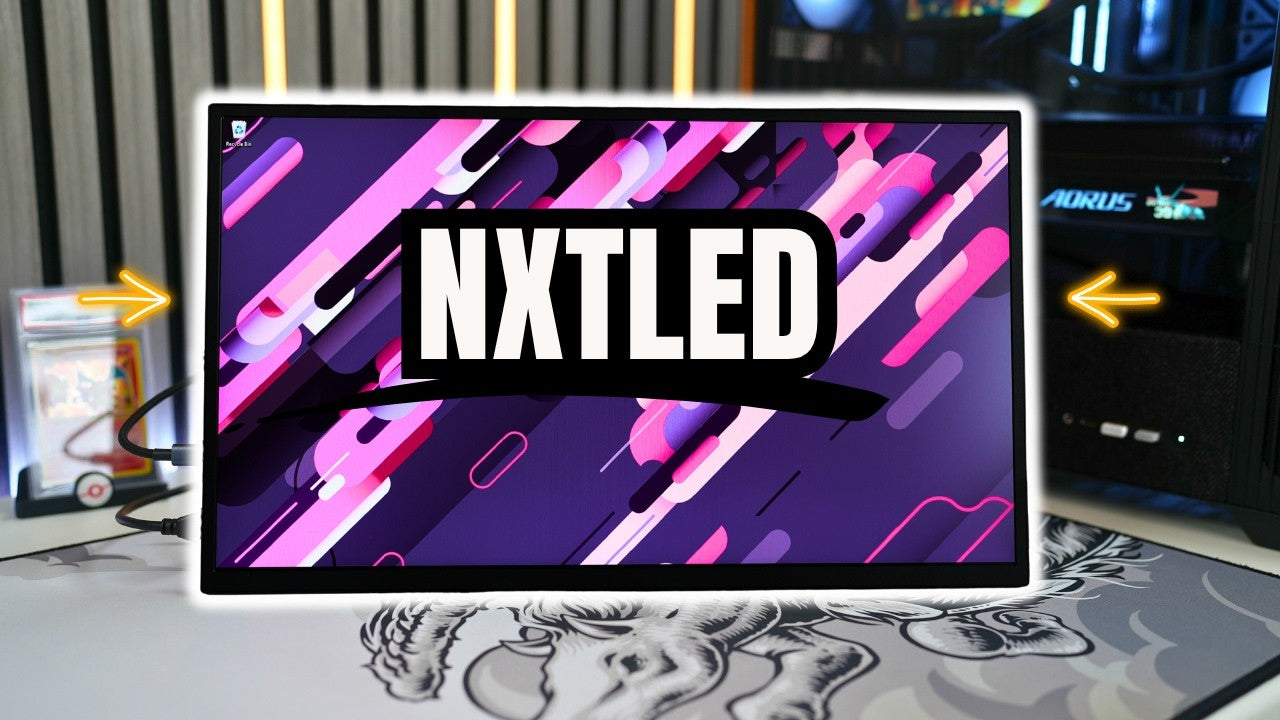
This is the UPERFECT GR185BF, and at first glance, it might look just like any other portable monitor, but this one is doing something very different. You're getting an 18.5 inch full HD display with a smooth 120 Hz refresh rate and FreeSync support, making it a solid option for both productivity and gaming on the go. It's powered through USB-C, includes a mini HDMI port, and keeps things simple and clean for a portable setup. But what really makes this monitor stand out isn't just the specs, it's the display technology. Instead of going for higher brightness like QLED or super deep blacks like OLED, UPERFECT is introducing their NXTLED panel, which is designed to reduce reflections and make the screen way more usable in bright environments. And if you've ever tried using a glossy screen near a window or under strong lighting, then you already know how big of a deal that can be. Huge thanks to UPERFECT for sending this monitor out and sponsoring this video so I can showcase it to you guys. UPERFECT is hooking it up with discount codes on top of their current sale price that I'll link down below.
What's Included in the Box

So first, let's see what's included when you get your own NXTLED One Plus. All right, so it comes in this really nice white box. All right, very first thing we're gonna see is this really nice and soft carrying pouch here. This is where you would place the monitor right inside here. Definitely a nice soft material, so I like the fact that this is included when you get this monitor. All right guys, and here it is, 18.5 inch display. Let's flip it over here. Definitely a really good size, so I'm gonna put this aside for now, so we can take a look at what else is included in the box. So we're gonna have a user manual, we're gonna have some VESA mount screws, we're gonna have two USB-C to USB-C cables, a mini HDMI to HDMI cable, and finally, a USB-C power adapter.
Design and Build Quality

All right guys, let's take a closer look at the design of this monitor as well as looking at the inputs that we have here. And so as we can see, this portable monitor is nice and slim, with one hump on the bottom over here that also houses the built-in stand, which is a feature that I absolutely love because this supports so many different angles and it's also very sturdy as well. And you could also have it all the way to the back here in case you ever wanted to do a VESA mount, for example, but this does support a lot of adjustments. For example, you can have it vertically standing up or of course you can have it in a traditional horizontal position, which supports multiple different angles. I mean, you can have it all the way back and you can have it all the way up as well.
Now, it's important to note that while we're on the topic of this built-in stand, all of your ports and controls are only gonna be exposed when the built-in stand is open. So starting with the inputs here, we have 2 USB-C ports and 1 mini HDMI port here. And also when you turn to the back, you can see each of these port icons over here, which is really nice and useful. And right on the other side here, we have all of our additional buttons. And so right over here is a dedicated power button. It also acts as a back button as well when you're in the menu. This over here, we have a scroll wheel menu selector, which I personally prefer over having separate buttons, and we also have a 3.5 millimeter headphone jack right over there and all the icons are here in the back as well.
And also, as you can see here, we do have VESA mount screws, so you are able to have this mounted on a monitor arm or a stand or something like that, which is really awesome to have. But overall, the design of this is very clean. One of my favorite features of UPERFECT monitors is the fact that they don't use any type of logos anywhere, not on the front and not on the back. And this is awesome because when you're looking at your portable monitor, there are no distractions. Everything is nice and sleek. Everything is black. To me, it is absolutely beautiful. It's very simple. You can see all the bezels here are really slim and they're all uniform as well. This definitely feels great.
Carrying Case and Portability

Now, I did mention earlier that you have a little carrying case here, so we're gonna see exactly how we can easily slide that in real quick. We're just gonna open this up, slide it in. Flip this over. All right, and as you can see, we have our monitor nice and secure, so if you're planning on traveling and putting it in a backpack or something like that, then your screen is fully protected, which is definitely a nice addition.
NXTLED Display Technology

So what exactly is NXTLED and does it actually make a difference? Well, instead of a traditional glossy or even standard matte coating, this display uses a diffused reflection layer that helps scatter incoming light instead of reflecting it directly back at you, which they call their omni visible display effect. What that means in real-world use is way less glare, less harsh reflections, and a screen that stays visible even when you're in a bright room or sitting near a window. It almost gives the display a more paper-like look, which not only helps visibility, but also reduces eye strain over long periods of use.
And on top of that, you're also getting low blue light support, flicker-free technology, and DC dimming, so this monitor is clearly designed with comfort in mind. You also get a balanced, neutral white and accurate colors across different angles and lighting environments.
Gaming Performance

So what's it like gaming on this monitor? I'm using my RTX 5080 gaming PC connected through HDMI and also being powered through USB-C. And right away, the 120 Hz refresh rate makes everything feel noticeably smoother compared to a standard 60Hz portable monitor. For casual and even some competitive gaming, this is definitely usable, especially since 1080p is much easier to run, meaning you can push higher frame rates without stressing your system or having to rely on upscaling like DLSS.
Now, this isn't an eSports-level display since the response time is around 14 milliseconds, but for most games, it still feels responsive enough and enjoyable. Now, this monitor does support FreeSync, however, I was not able to get G-Sync to turn on. So if you're using an AMD GPU, you most likely will be able to enjoy FreeSync with your AMD GPU.
Now, normally, portable monitors struggle a lot with reflection, especially if you're gaming during the day. But with this NXTLED panel, I can actually see what's going on without constantly adjusting the angle or cranking the brightness, and that alone makes a huge difference depending on your setup.
Built-in Speakers
 The built-in speakers are decent for a portable monitor, but like always, I still recommend using headphones or external speakers for the best experience. I'll let you guys listen to the speakers. Not the craziest sound experience, but it's still great to have just in case.
Productivity and Laptop Use

If you're planning to use this with a laptop, this is where the NXTLED One Plus really starts to make a lot of sense. Using a single USB-C cable, you can power the monitor and get your display output at the same time, making it super convenient for a clean, portable setup. And because of that anti-glare NXTLED panel, working on documents, browsing the web, or editing feels way more comfortable, especially during long sessions.
The sharpness of text is good, but you're getting a slightly higher pixel density versus a 27 inch 1440p monitor. But if you have a super high resolution display like my MacBook Pro, then the difference is noticeable. This is one of those monitors that's less about having the sharpest or brightest display and more about being usable anywhere.
Menu Settings Deep Dive
 All right guys, I wanna show you a deep dive of the menu settings that you get on this monitor here. So, of course, on the right side, we have the menu button which is a clickable scroll wheel, so you can click on it, it brings up the menu and you can go up and down.
So the very first options you get when you bring up the menu are gonna be picture settings. You can click on it again to open it up. You can adjust the brightness, contrast, black equalizer, and switch to different game modes. For example, we have standard, FPS, and RTS modes. To go back, you can hit the back button.
Continuing on, we have color effects where you can adjust saturation, hue, and sharpness levels. Over here, you have the information for the current input. Next up, you can factory reset the whole monitor. Over here, you have different advanced settings. You can enable ultra HDR mode, which is off by default. You can also enable eye protection, 3D sound, and FreeSync. By default, FreeSync is off, but you can turn it on manually if you want to.
Next up, we have options where you can change the source, language, aspect ratio, and adjust the volume settings. Over here, we have temperature settings, so you can adjust the color temperature of the monitor. And finally, we have the OSD settings, which control this menu interface. You can make it more transparent or change its position on the screen. And that's pretty much it.
Final Thoughts

So, is the UPERFECT NXTLED One Plus worth picking up? If you're looking for a portable monitor that focuses purely on specs like higher resolution, higher refresh rates, or faster response times, there are definitely other options out there, and UPERFECT has a ton of options. But if you care more about real-world usability, especially using your monitor in bright environments, and you're looking for something that has a really affordable price, then this is where the NXTLED One Plus really stands out.
Their anti-glare omni visible display effect makes a noticeable difference. The 120 Hz refresh rate keeps things smooth for both gaming and everyday use, and the overall portability makes it easy to integrate into almost any setup, especially with the built-in kickstand and the included carrying case. This monitor is not trying to win on specs alone, but instead delivers a better experience in situations where other portable monitors might fall short.
Share:
UPERFECT GR19BU (UColor Apex) 4K QLED Monitor reviewed by GameTechPlanet
UPERFECT BE133BU (UColor O Lite) MacBook Monitor Reviewed by Audiophile Heaven