

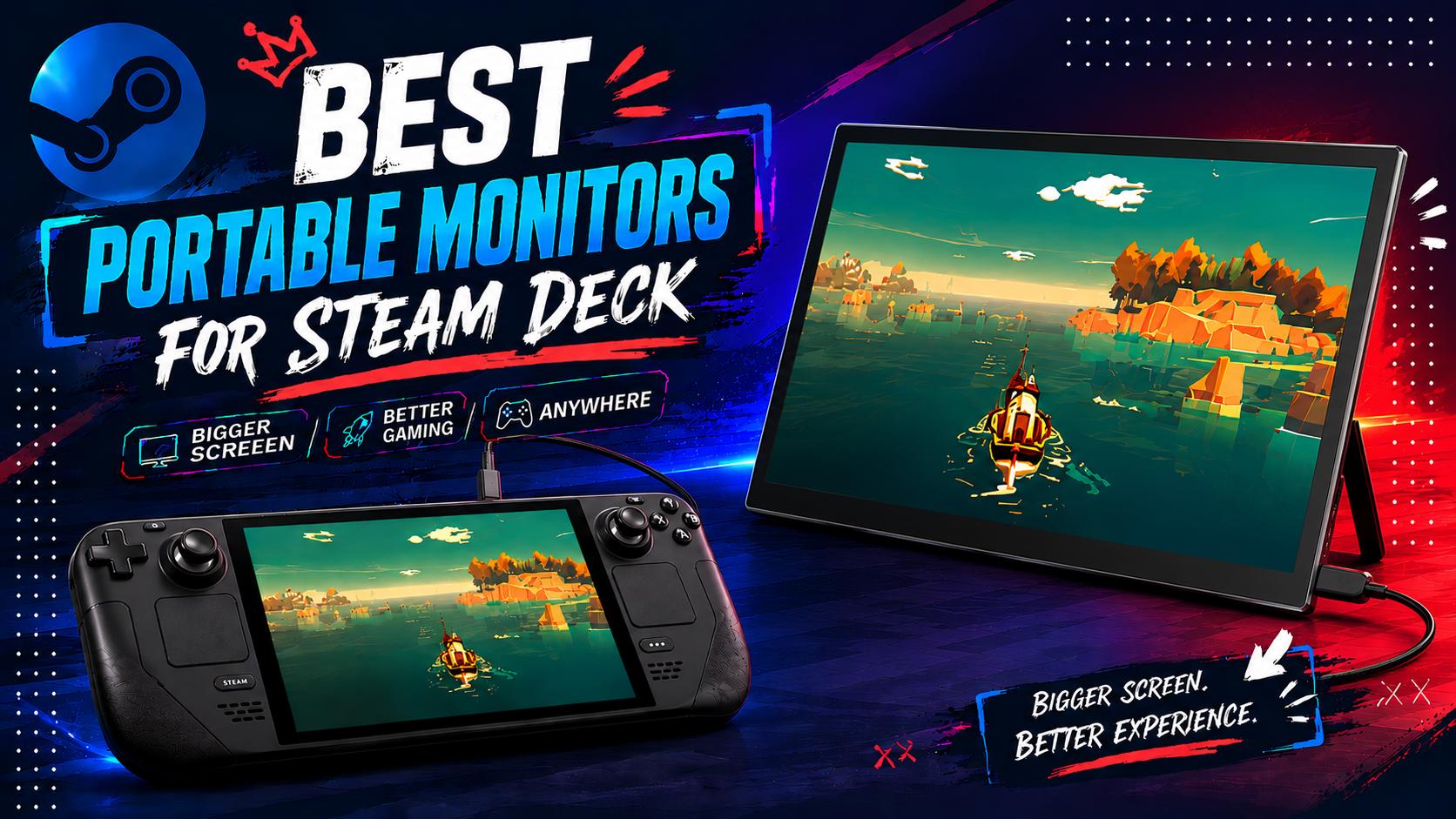
The Steam Deck is an excellent companion for on-the-go PC gaming, but sometimes, it just doesn't fit right with the game you’re playin’. Maybe it’s a bit too small for your liking and not as immersive, or you’d just prefer a more familiar desktop gaming setup.
But even with all that, you don’t want it to come at the cost of portability.
That’s where a portable monitor for Steam Deck comes in; they’re an excellent option to expand your screen real estate without compromising on mobility, so today, we’re checking out 7 of the best portable monitors for the Steam Deck!
7 Best Portable Monitors for the Steam Deck
1. UPERFECT BE185EF 18-inch – (Editor’s Pick) Best Overall Option

Click here to buy: UPERFECT BE185EF
The Specs:
- Display Size/Type: 5-inch IPS LCD
- Resolution: Full HD (1920 x 1080)
- Refresh Rate: 120Hz
- Weight: 09 kg
- Price: $239.99
- Best For: Gamers who want a larger, faster screen, without compromising on portability.
Ranking in as our top portable monitor for Steam Deck is the UPERFECT BE185EF. As a whole this monitor packs a punch while retaining great value-for-money, netting more than enough in terms of performance.
The display is a beefy 18.5-inch LCD display with a Full HD resolution, supporting a speedy 120Hz refresh rate. Since the Steam Deck maxes out at 90Hz, you’ve got plenty of smooth motion with room to spare (for other consoles/gaming PCs).
Plus, the UPerfect BE185EF weighs in at a lightweight 1.09 kg, making it perfect to shove into a backpack for gaming while traveling or at a cafe.
Pros:
- Large 18.5-inch FHD screen
- Great value for money
- Built for the Steam Deck w/ touch-screen functionality
Cons:
- No auto-rotation features
- Missing 2K/4K resolutions
2. Acer Nitro PG161Q – Best Budget Portable Gaming Monitor

The Specs:
- Display Size/Type: 6-inch IPS LCD
- Resolution: Full HD (1920 x 1080)
- Refresh Rate: 165Hz
- Weight: 23 kg
- Price: $149.99
- Best For: Gamers on a budget and need a decent screen size upgrade.
Next up is the Acer Nitro PG161Q, our best budget portable monitor for the Steam Deck. While it isn’t the most flashy option on the list, it’s still an excellent performer thanks to the sizable 15.6-inch Full HD display that nets a speedy 165Hz refresh rate.
While the Steam Deck won’t be able to take full advantage of the smoother motion, this makes it a great option for other PC handhelds and consoles that do support higher than 90Hz refresh rates.
While it doesn’t have any outstanding unique feature, the Nitro PG161Q is an excellent option if you just need the basics, and need it done well, all without breaking the bank.
Pros:
- Excellent value for money
- HDR 10, FreeSync, and 165Hz support
Cons:
- Slightly lacklustre max brightness (250 Nits)
- Only as big as a laptop screen
3. ASUS ZenScreen Duo OLED MQ149CD – Best Dual-Screen Portable Gaming Monitor

The Specs:
- Display Size/Type: 2x 14-inch OLED
- Resolution: Full HD (1920 x 1200)
- Refresh Rate: 60Hz
- Weight: 07 kg
- Price: $597.99
- Best For: Casual gamers who want a dual-screen portable gaming setup.
If you’re looking for even more screen real estate for the Steam Deck, the ASUS ZenScreen Duo OLED MQ149CD is a dual-screened portable monitor that’s a great option for even more flexibility.
The ZenScreen Duo features two 14-inch OLED panels sporting a 1920 x 1200 resolution, making it a great option for gaming since OLED makes colors far more vibrant on-screen.
The biggest downside however is the price and refresh rate. This will cost you a sweet ~$600 unless you get it on sale, and only supports 60Hz refresh rates.
Pros:
- Lightweight considering dual-display setup
- Dual 14-Inch OLED display with vibrant, rich colors
- Great for work/play with color accurate display features
Cons:
- Expensive considering the specs
- Only support 60Hz refresh rates
4. UPerfect GR16EQ 16-inch – Best Mid-Range Portable Gaming Monitor

Click here to buy: UPERFECT GR16EQ
The Specs:
- Display Size/Type: 16-inch IPS LCD
- Resolution: QHD (2560 × 1600)
- Refresh Rate: 144Hz
- Weight: 72 kg
- Price: $199.99
- Best For: Gamers looking for the best balance of price, screen size, and clarity.
If you’re after something a little more “balanced”, you should check out the UPERFECT GR16EQ. It sports a modest, 16-inch LCD display but with a crystal-clear QHD resolution. It also supports refresh rates up to 144Hz, making it the perfect companion for the Steam Deck and other PC handhelds.
But the star of the show has to be the 2560 x 1600 resolution; this makes any game you play on the Steam Deck look a lot more detailed & sharper than the Deck’s built-in resolution of 1280 x 800.
The UPerfect GR16EQ also features super slim bezels for better immersion, dual 2W speakers, and weighs in at just 0.72 kg.
Pros:
- Crisp & clear QHD resolution
- Speedy 144Hz refresh rate for smooth motion
- Very affordable for the specs it brings to the table
Cons:
- Compromises slightly on screen size for price/resolution
- No dedicated color-accuracy tuning (for creatives)
5. ViewSonic TD1656-2K – Best Touch-Screen Portable Monitor

The Specs:
- Display Size/Type: 16-inch IPS LCD
- Resolution: WQXGA (2560 x 1600)
- Refresh Rate: 60Hz
- Weight: 8 kg
- Price: $379.99
- Best For: More casual gamers who prefer a versatile option for both work & play.
If you’re after something not only for your Steam Deck, but also to tag along with your work laptop, the ViewSonic TD1656-2K is a great pick. It’s got a 16-inch 2K multi-touch screen so you can work directly on the display; works great for reference images or editing timelines.
Another great feature is the monitor’s smart cover. Not only does it protect your screen, but it also doubles as the monitor’s stand. This allows it to seamlessly switch between portrait/landscape orientations, thanks to the monitor’s built-in auto-screen rotation.
The caveat though is this isn’t the best option for intense gaming sessions, since it only supports a 60Hz refresh rate.
Pros:
- Ergonomic smart cover that doubles as protection & stand
- Auto-rotation feature for seamless orientation switching
- Crisp & clear 2K resolution
Cons:
- Pricey for the specs
- Modest 16-inch screen size may feel lacking for the price
6. ASUS ZenScreen MB229CF – Best Large-Screen Portable Monitor

The Specs:
- Display Size/Type: 22-inch IPS LCD
- Resolution: Full HD (1920 x 1080)
- Refresh Rate: 100Hz
- Weight: 2 kg
- Price: $329.99
- Best For: Gamers who need as large a screen as possible on a portable monitor.
The ASUS ZenScreen MB229CF is our top-pick for a large-screen portable gaming monitor to get the most screen real estate in a form factor you can carry. The ZenScreen MB229CF sports a large 22-inch display with a Full HD resolution, and can get up to 100Hz refresh rate for silky smooth motion.
You also get a few stand options and accessories; you can set it up with a traditional height-adjustable C-clamp stand or the built-in kickstand.
Another standout feature is the audio; the ZenScreen MB229CF features a 2.1 channel setup including a subwoofer, netting more immersive gameplay with that extra bass kick.
Pros:
- Extra large 22-inch display w/ Full HD res & 100Hz refresh rate support
- Flexible mounting/stand options for workstations or at home setups
- Powerful audio capabilities for a portable monitor
Cons:
- Even with slim/lightweight build, a bit cumbersome comparatively
- Missing 2K/4K resolutions for the price
7. MSI PRO MP161 E2U – Best Slim & Sleek Portable Gaming Monitor

The Specs:
- Display Size/Type: 6-inch IPS LCD
- Resolution: Full HD (1920 x 1080)
- Refresh Rate: 60Hz
- Weight: 75 kg
- Price: $149.99
- Best For: Gamers who prioritize sleekness & portability.
Lastly, if you’re looking for something that’s as sleek and portable as can be, the MSI Pro MP161 E2U is a great option. The MSI Pro has a 15.6-inch LCD display with a Full HD resolution, supporting a 60Hz refresh rate.
It’s not the snappiest in terms of motion, but it’ll do well for most casual gaming needs on a Steam Deck.
But what makes the MSI Pro MP161 special is its sleekness; measuring in at just 0.4” thick, it’s the perfect companion to shove into a backpack without the extra bulk.
Pros:
- Incredibly slim 1.08cm thickness
- Lengthened kickstand for switching between landscape/portrait modes
- Affordable for the included features
Cons:
- No fast refresh rate support
- Otherwise basic functionality for gaming
What to Look for in a Portable Monitor for Steam Deck

Resolution
Clarity and sharpness is integral for gaming. You’ll want to ensure that the monitor comes with a sharp enough resolution to see fine details & better overall image quality.
In most cases, the default for portable monitors is a Full HD 1920 x 1080 resolution. That’s the baseline of what you should get; anything higher (like 2K or 4K) is mainly up to your preference and budget.
Our advice is to get as high as a resolution possible to make up for the Steam Deck’s lower resolution screen.
Refresh Rate/Response Times
Refresh rate and response times are two of gaming’s most important specs to look for in a display. To put it simply, refresh rate refers to how many times per second a display can refresh; a faster refresh rate = smoother overall motion.
Typically, you’ll find monitors with these refresh rates:
- 60Hz – baseline refresh rate
- 90Hz – If you want the game to look as smooth as it does on the Steam Deck, get at least a 90Hz monitor since that’s the supported refresh rate on the handheld.
- 120Hz+ – Anything above 120Hz and you’ll be good to go for most titles.
On the other hand, response times measure how fast a display can keep up and shift to the next image. Most monitors range between 9ms – 1ms. The lower the number, the better, so getting something as close to 1ms as possible is the ideal.
Screen Size
Screen size is really dependent on personal preference. All portable monitors will be bigger than the Steam Deck’s display; it’s a matter of how much screen size you need and how comfortable you are bringing it around.
Do you need a portable monitor just for at-home gaming, or do you need a portable monitor for travel?
The base-line to aim for should be a 15.6-inch display. Anything larger is better for overall immersion, but may hinder portability. In our opinion, a 17-inch or 18-inch portable monitor is the sweet spot between size and portability.
Brightness & Color Accuracy
Lastly, you’ll want to consider the brightness and color accuracy of the portable monitor. Brightness is straightforward; the brighter a screen gets, the better it can handle brightly-lit environments without glare and reflections.
On the other hand, color accuracy, while not as important for gaming, can be important for creative professionals. That said, a finely-tuned display with color accuracy certifications can make a big difference in how vibrant and colorful in-game worlds appear.
Why Steam Deck Owners Should Consider a Portable Monitor
A Minimalist Desk Setup
A portable monitor isn’t just great for bringing your gaming station on the go; it can be just as formidable for a minimalist desk setup.
Having the flexibility to use and put away your monitor is a valid reason to consider portable monitors over a fixed desktop monitor.
It makes your gaming station a lot cleaner and clutter-free, while giving you the option for a second screen (or main screen) only when you need it.
Desktop Gaming On-The-Go
Steam Decks are essentially a gaming PC in your pocket (a very big pocket), and while ideal for most games, can be more difficult to play certain games.
Some titles like strategy games, turn-based games, or point-and-click adventures just feel right when situated at a desktop setup.
With a portable monitor, you’re getting the best of both worlds; the flexibility of bringing a screen wherever you go, or settling down at your desk for more intense sessions that require finer control or focus.
Enhanced ‘Handheld’ Gaming
While the Steam Deck has a good enough screen for most titles, sometimes, (especially for users with the OG Steam Deck), the visual quality just doesn’t cut it. That’s when it comes in handy to pair your Steam Deck with a portable monitor.
With the enhanced visuals and resolution support, or even an OLED panel, you’re getting an overall better, more crisp, and vibrant gaming experience.
Share:
Best Portable Monitor for Work & Productivity
7 Best Portable Monitors for the Switch 2 in 2026