

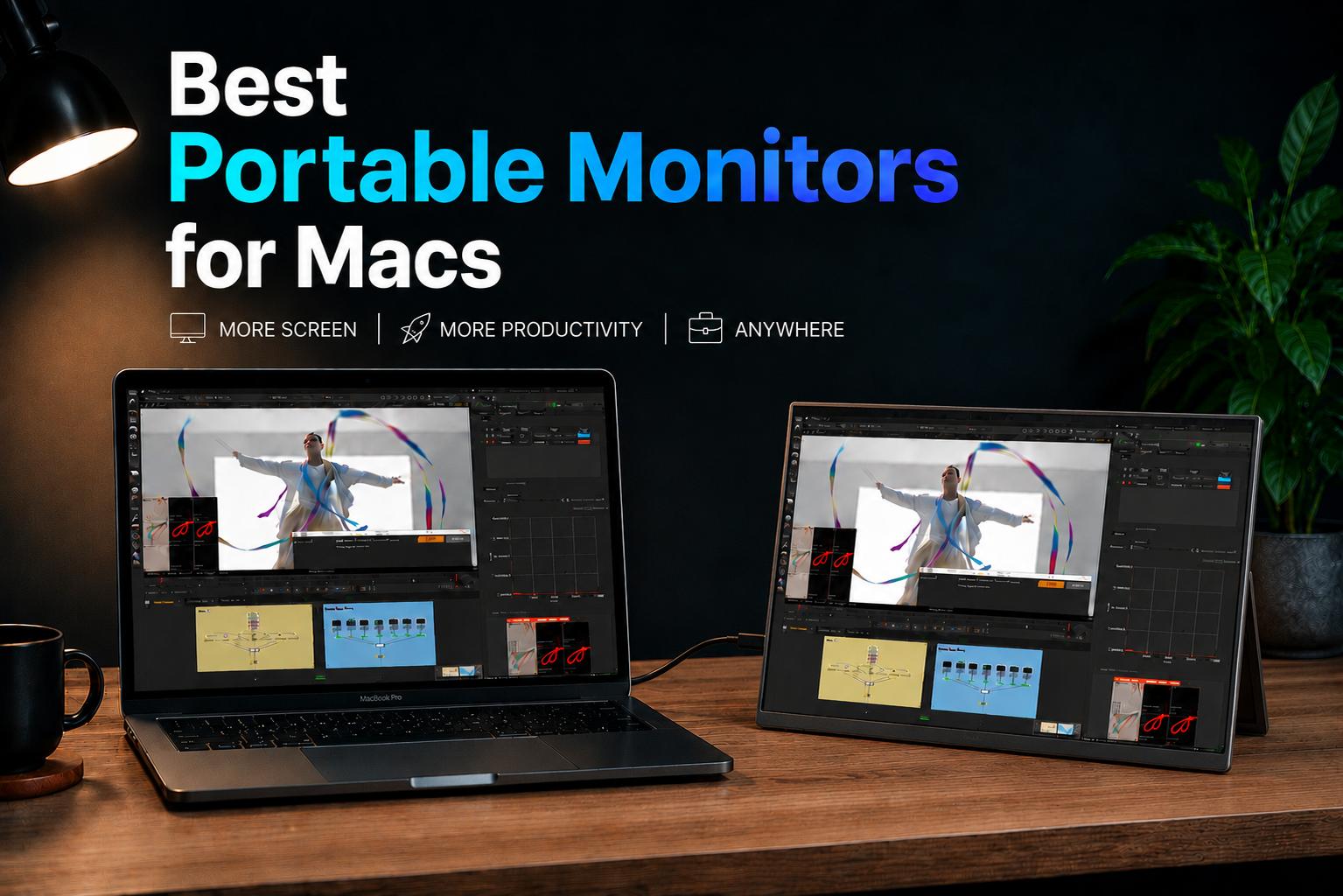
Multi-screen setups are increasingly becoming the norm for Mac users. After all, you’ve already got a beastly performer, so why limit yourself to just one screen?
Plus with hybrid work and travel setups, comes the need for a more versatile companion than your standard stay-at-home monitor. Portable monitors bridge that gap, giving you the flexibility to bring a second display on-the-go.
But finding the right one can be confusing, so we’ve gathered the very best of the best portable monitors for Macs in 2026 to get you started!
10 Best Portable Monitors for Macs
1. UPERFECT UColor Apex 19-inch – (Editor’s Choice) Best Overall Portable Monitor
 Click to buy: GR19BU (UColor Apex)
The Specs:
- Display Size/Type: 19-inch QLED
- Resolution: 4K UHD
- Refresh Rate: 144Hz
- Weight: 39kg
- Best For: Fast paced gaming, design/color-accurate projects, and everyday work
The GR19BU (UColor Apex) portable monitor is the best overall pick on the list, mainly because it’s a fantastic option for all-round usage.
Not only does it work well for gaming with a 144Hz refresh rate support and plentiful 19-inch 4K QLED panel, but it’s also a great option for creatives as well.
The monitor supports a 107.8% DCI-P3 color gamut, making colors look accurate and vibrant on-screen.
Adding to that the sleek build with slim bezels, plentiful port selection with mini HDMI, USB-C, and OTG, and FreeSync support, it’s got everything you need on a portable monitor.
Pros:
- All-round option with excellent color reproduction & speedy performance
- Sharp & detailed 4K resolution
- Versatile for gaming or design tasks
Cons:
- Slightly heavier than other options
- Premium pricing
2. ROG STRIX XG17AHPE – Best Premium Portable Gaming Monitor

The Specs:
- Display Size/Type: 3-inch IPS LCD
- Resolution: 1920 x 1080 Full HD
- Refresh Rate: 240Hz Max
- Weight: 76kg
- Best For: Intense gaming sessions
Next up is the ROG STRIX XG17AHPE, a dedicated gaming portable monitor with some beefy specs.
The most impressive aspects of the ROG STRIX gaming monitor for Macs is the large 17.3” display with a staggering 240Hz refresh rate support and speedy 3ms response time.
This makes it a dependable option for silky smooth gameplay, especially in competitive titles like Valorant or CS 2. Another special feature is the way the monitor runs; with a 7800mAh battery, you can play wirelessly just with your PC plugged in.
Though this does last about 2 hours only if you’re using 240Hz mode, the option to power up without any cables can be useful for minimalist setups.
Pros:
- Can work independently of a power source (battery)
- Silky smooth 240Hz refresh rates and 3ms response times
- Built-in stereo speakers w/ lossless audio support
Cons:
- Pricey for a gaming monitor, especially at Full HD resolution
- Only lasts up to 2 hours on battery at 240Hz
- Heaviest portable monitor on the list
3. ASUS ProArt PA148CTV – Best for Creative Professionals

The Specs:
- Display Size/Type: 14-inch IPS LCD
- Resolution: 1920 x 1080 Full HD
- Refresh Rate: 60Hz
- Weight: 74kg
- Best For: Users who require color-accurate display for design/editing tasks
The ASUS ProArt PA148CTV is our pick for Mac users who need as color-accurate a display as possible. The monitor features both 100% sRGB and 100% Rec. 709 color gamut, and is also Calman Verified with factory pre-calibrated Delta E < 2.
What this translates to in the real-world is, impressively accurate, and vibrant, true-to-life colors. The ProArt portable monitor is also a touch screen, making it convenient to use not only as a secondary display, but as a control panel for Adobe’s suite.
Otherwise, there really isn’t anything too special for other types of Mac users. Unless you really require its intricate color-accuracy; for everyday work or gaming, you could get a better deal from other nomad business monitors.
Pros:
- Top-notch color reproduction and accuracy
- Versatile with touch-display support
Cons:
- Not everyone requires color-accuracy features
- Aside from wide color gamut, doesn’t do anything special
- Only Full HD resolution & IPS panel
4. UPERFECT UGame C2 Pro – Best Mid-Range Portable Gaming Monitor
 Click to buy: GR16EQ(UGame C2 Pro)
The Specs:
- Display Size/Type: 16-inch IPS LCD
- Resolution: 2K (2560 x 1600) QHD
- Refresh Rate: 144Hz
- Weight: 72kg
- Best For: Gamers looking for the best cost-to-performance ratio
If you’re after something for gaming that's a bit more reasonable in terms of price and weight than the ROG STRIX XG17AHPE, the GR16EQ(UGame C2 Pro) is one of the best portable monitors for a MacBook.
With a sizable 16-inch display with a 2K resolution and up to 144Hz refresh rate support, you’re getting a super smooth, and sharp gameplay experience.
While it isn’t the most color-accurate display, it works in a pinch for light editing work, but otherwise, it’s an excellent performer for the price.
Pros:
- Great blend of value and performance
- Sharp 2K resolution
- Lightweight for a portable gaming monitor
Cons:
- Slightly slower 9ms response times
- Requires wired connection for power
5. ViewSonic VX1655-4K-OLED – Best OLED Portable Monitor

The Specs:
- Display Size/Type: 16-inch OLED
- Resolution: 4K (3840 x 2160) UHD
- Refresh Rate: 60Hz
- Weight: 68kg
- Best For: Users who want a crisp & clear picture quality, without compromising on OLED
If you’d prefer the vibrancy of an OLED display, the ViewSonic VX1655-4K-OLED is one of the best portable monitors for MacBook Pro or Air.
The best part about this one is the panel itself; with a 16-inch OLED display at a 4K resolution, you’re getting fantastic picture quality and deep contrast.
Not only does the screen look great, it’s also sleek and slim too, measuring in at just 4.5mm thin and 0.68kg weight. It comes with a 86° built-in kickstand and dual USB-C ports + a mini HDMI for connectivity.
Pros:
- Vibrant OLED display panel
- Lightweight & sleek design
- Plentiful screen real estate w/ slim bezels
Cons:
- Slightly lacklustre audio capability (dual 0.8w speakers)
- Not ideal for gaming (only 60Hz refresh rate)
- Premium price tag
6. Lenovo ThinkVision M14 – Best Lightweight Portable Monitor

The Specs:
- Display Size/Type: 14-inch IPS LCD
- Resolution: 1920 x 1080 Full HD
- Refresh Rate: 60Hz
- Weight: 598kg
- Best For: Users who prioritize portability & need a lightweight setup
The Lenovo ThinkVision M14 is one of the best portable monitors for the Mac Mini, if you want a lightweight workstation.
Measuring in at just 0.59kg, it’s the lightest monitor on the list, perfect for travel or mobile setups.
Aside from that, it’s got a 14-inch LCD display with a Full HD resolution for decently sharp visuals. Otherwise, the ThinkVision M14 is rather basic and will work if you need a secondary display, but it’s not the best for creative work or gaming.
Pros:
- Lightweight & portable
- Low-blue light tech for reduced eye strain
Cons:
- Smaller display size, similar to a laptop
- Slightly ‘boring’ industrial design
- Pricey considering ‘basic’ features
7. UPERFECT Delta Max Touch – Best for Multi-Screen Setups
 Click to buy: BE185CF(Delta Max Touch)
The Specs:
- Display Size/Type: 5” IPS LCD Folding Monitor
- Resolution: 1920 x 1080 FHD
- Refresh Rate: 100Hz
- Weight: 36 kg
- Best For: Portable multi-screen setup w/ a total of 3 screens + MacBook display
One of the best portable monitors for MacBook Air, especially for heavy multi-taskers that need more than one extra screen, is the BE185CF(Delta Max Touch).
This gets you two 18.5” FHD touchscreen displays so you have plenty of room to move tabs and windows over, while using just the screen to navigate.
This makes it ideal for improving productivity, giving you separate screens for video editing timelines for example. The Delta Max touch also supports up to 100Hz refresh rates, a 360° foldable design, and VESA mount holes for at home setups.
Pros:
- 2x sharp & clear FHD displays
- Works great for both mobile or home setups
- Plentiful port selection & 3D surround sound
Cons:
- Heavier since there are 2x displays
- Missing 4K resolution
8. HP Series 5 Pro – Best Everyday Portable Monitor

The Specs:
- Display Size/Type: 36-inch IPS Neo LED
- Resolution: 2560 x 1600 WQXGA
- Refresh Rate: 75Hz
- Weight: 63kg
- Best For: Users who need a stylish & capable portable monitor for everyday tasks
For MacBook users who need a reliable everyday portable monitor for productivity tasks, the HP Series 5 Pro is a great option to check out.
With a 14.36-inch IPS display at WQXGA resolutions, you get a sharp & detailed image quality.
Another great feature is the design; it’s sleek, modern, and fits perfectly with the Mac aesthetic, and also performs well with a 75Hz refresh rate support paired with Flicker-Free and TÜV Low Blue Light features.
Pros:
- In-line with the Mac “aesthethic”
- High-res 2K resolution
- AdobeRGB 100% & DisplayP3 100% color coverage
Cons:
- Only has 2x USB-C ports for power/display
- Smaller 14” screen size
- Pricey compared to other options
9. ViewSonic VX1754 – Best Budget Portable Gaming Monitor

The Specs:
- Display Size/Type: 17-inch IPS LCD
- Resolution: 1920 x 1080 Full HD
- Refresh Rate: 144Hz
- Weight: 9kg
- Best For: Casual gamers looking for a bigger, faster screen
If you’d prefer one of the more budget-friendly best portable monitors for MacBook gaming, then the ViewSonic VX1754 is a solid choice.
With a huge 17-inch LCD display netting you a 1920 x 1080 resolution and a 144Hz refresh rate, you’re equipped to handle the latest Apple Arcade releases. It also supports AMD FreeSync with a speedy 4ms response time for smooth, tear-free gameplay.
It is slightly lacking in the resolution department, but it’s still a FHD display and works great for more casual gamers.
Pros:
- Budget-friendly gaming portable monitor
- Supports 144Hz & AMD FreeSync w/ 3ms response times
- Comparably lightweight for a gaming monitor
Cons:
- Lacklustre “industrial” design
- Missing 2K/4K resolutions
10. Dell Pro 14 Plus – Best Portable Monitor for Business Travel

The Specs:
- Display Size/Type: 14-inch IPS LCD
- Resolution: 1920 x 1200
- Refresh Rate: 60Hz
- Weight: 62kg
- Best For: Users who need a versatile orientation display for everyday work tasks
The last option on our list of the best portable monitors for Mac is the Dell Pro 14 Plus.
This one’s a great option for those who frequently travel for its lightweight 0.62kg build, but also its versatility to use in landscape or portrait orientations with a built-in auto-rotation sensor.
The display itself is a decently powerful 14-inch WUXGA display that’s sharp & clear, though it only supports up to 60Hz refresh rates so it’s not as versatile.
Pros:
- Versatile orientation options
- Impressive 400 nits brightness
- Lightweight & sleek design
Cons:
- Large display chin/forehead
- Expensive for its features
What to Look for in a Portable Monitor for Macs
Resolution & Scaling
Portable monitors usually range between 1080p Full HD to 4K UHD resolutions. But the ‘right’ option mainly depends on your use case.
A 1080p portable monitor is sufficient for basic productivity tasks, web browsing, and travel-friendly setups. They’re usually lighter and more affordable.
But for creators, heavy multitaskers, or if you’re pairing the monitor with a MacBook Pro, 2K and 4K portable monitors offer noticeably sharper text and improved image clarity.
Plus, higher res also works better with MacOS scaling, so UI elements and text look cleaner.
Brightness & Color Accuracy
Brightness and color performance can make a huge difference depending on your workflow.
If you’re mainly using your Mac for things like spreadsheets, browsing, and office work, a standard IPS panel with decent brightness works great.
But for creatives like photographers, video editors, or designers, consider a monitor with a wider color gamut coverage, higher brightness, or OLED/QLED panels for more accurate visuals.
Refresh Rate
Most s stick to a 60Hz refresh rate, which is usually good enough for productivity and everyday use. But higher refresh rates aren’t only important for gaming, but also for video editing and general smoother motion on-screen.
But if you’re using your Mac for cloud gaming, Apple Arcade, or Windows gaming with Crossover, a 120Hz or 144Hz portable monitor feels a lot smoother.
Portability Factor
Not all portable monitors are equally “portable”. Some ultra-lightweight models can weigh under 1kg, so they’re great to just stuff into a backpack with your MacBook. But larger 17-inch or 19-inch displays are better suited for a semi-mobile workstation setup.
It’s also important to consider things like:
- Built-in kickstands
- Magnetic covers
- Cable management
- Single-cable (i.e. USB-C) connectivity
The best portable monitors for Macs should be quick to get up and running with minimal clutter.
Share:
Best Portable Monitor for Gaming in 2026 (Top Picks for Every Budget)
Best Portable Monitor for Work & Productivity